Blog

Insights and tips for the review community

Business Adrian Crismaru

How to Use AI to Dominate Local SEO in 2026

Over 40% of search queries are now handled by AI systems. Not keyword-matched. Not link-ranked. Answered by AI.

If your local business isn't showing up in those AI-generated answers, you're not losing to better competitors. You're losing to businesses that figured out the new rules faster.

This guide breaks down exactly how to use AI to dominate local SEO in 2026, from keyword research to content creation, Google Business Profile optimization, and review management.

I'll show you what's actually working.
Read more →

blog Adrian Crismaru

10 Best Local Rank Tracker Tools (2026): Tested And Compared

If you're trying to grow your local business visibility, knowing where you rank on Google Maps is not optional. It's the starting point for every smart local SEO decision you make.

The problem? Most business owners and agencies have no idea where they actually rank across different neighborhoods, zip codes, or cities. A business might show up at position 1 in one part of town and completely disappear two miles away. Without the best local rank tracker, you're flying blind.

In this guide, we tested and compared the 10 best local rank tracker tools available in 2026, covering accuracy, pricing, key features, and which type of business each tool is best suited for.

Read more →

blog Adrian Crismaru

The Best Google Maps Rank Checker Tools, Compared (2026)

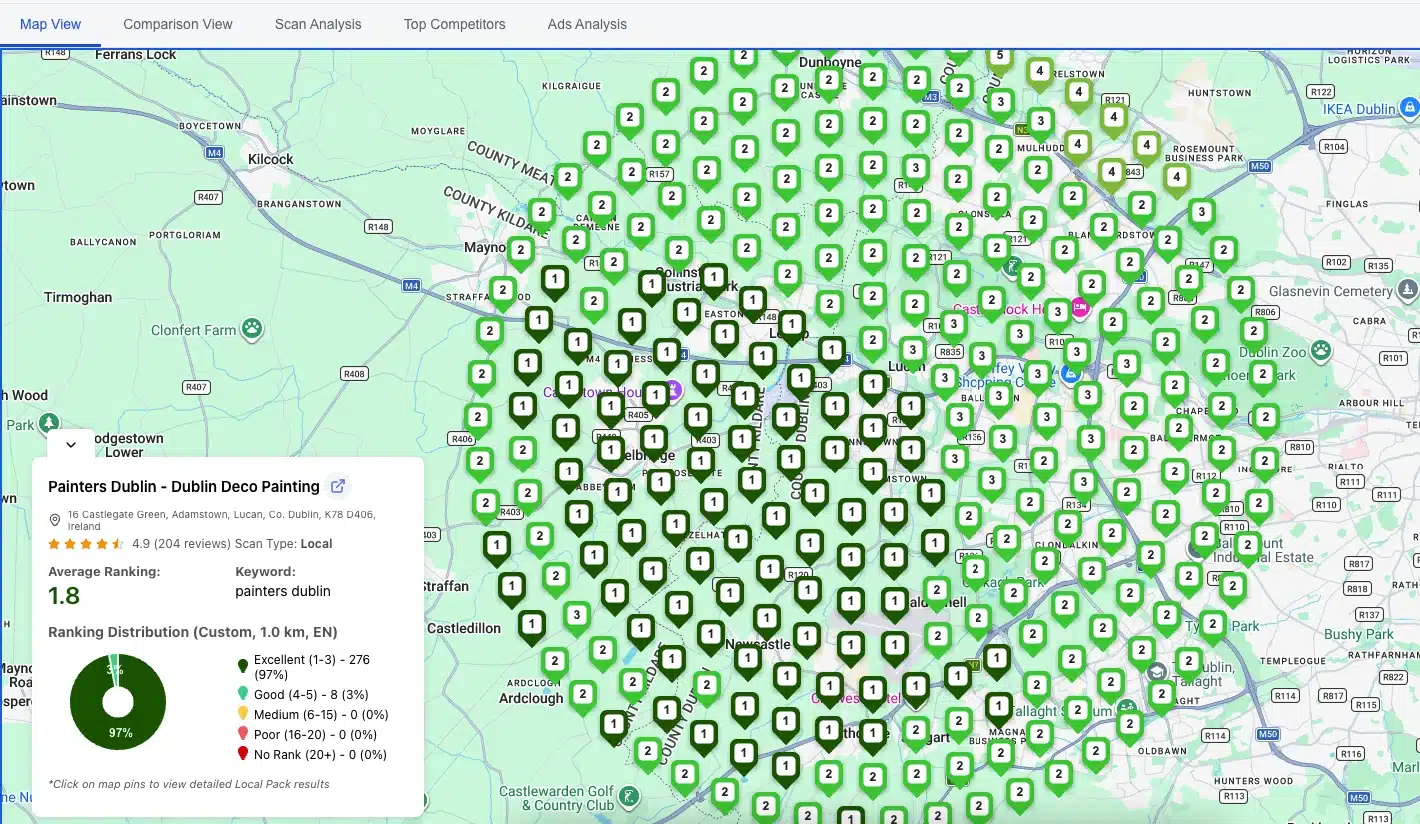
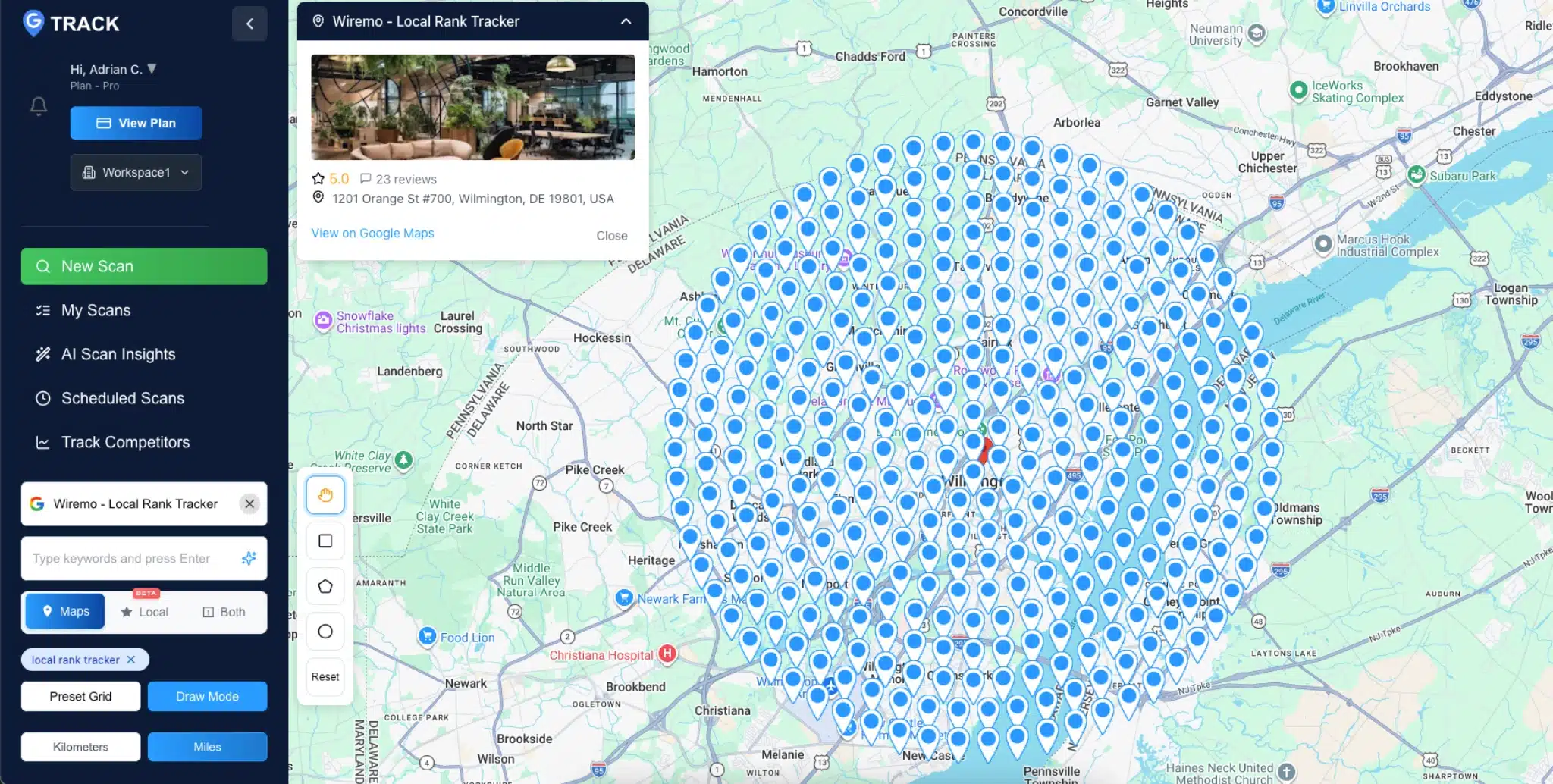
A Google Maps rank checker shows where your business appears in Maps results when someone searches your target keyword from a specific location. Most tools display this as a geo-grid: a grid of pins spread across your service area, with your ranking position at each point.

That grid matters because your Maps rank isn't a single number. You might sit at position 1 two blocks from your storefront and fall to position 18 a mile west. A one-location check won't reveal that. This post covers the four tools worth considering, a side-by-side pricing table, and a step-by-step walkthrough for running your first scan.

Read more →

Business Adrian Crismaru

Can You Buy Google Reviews? Yes. Here Is What Happens, and What to Do Instead

Yes, you can buy Google reviews, sold under that name or as "Google Maps reviews". Sellers rank on page one for that exact search and take card payments like any other shop. What you get is a batch of reviews that break Google's Maps user contributed content policy and, in the United States, the FTC's Consumer Review Rule, which carries a civil penalty of up to $53,088 per violation.

Read more →

blog Adrian Crismaru

Review Management Strategy for Local Businesses

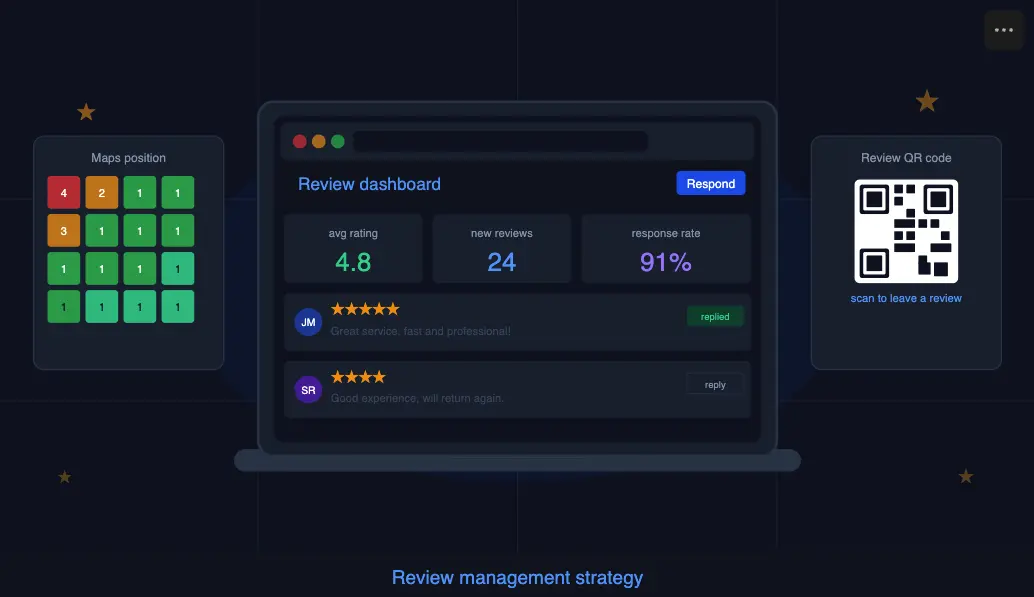
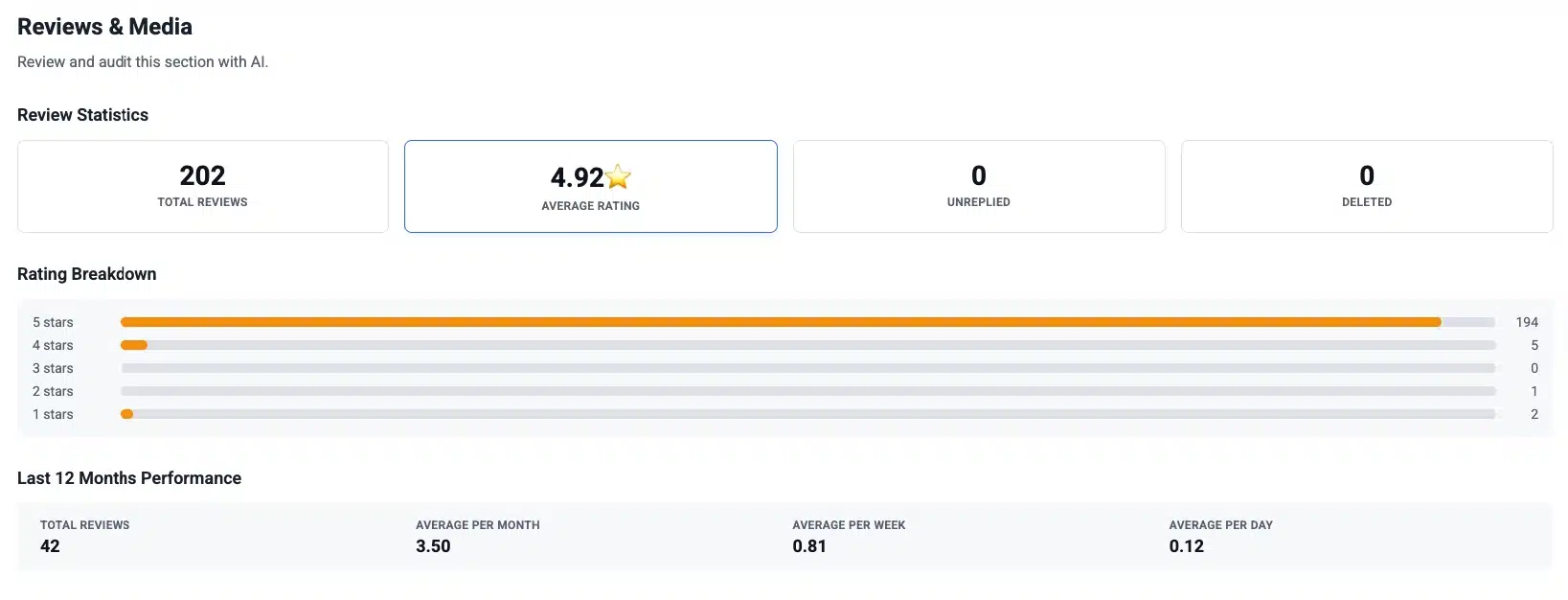
If you run a local business and you're not actively managing your reviews, you're handing customers to whoever is. That's not an exaggeration. Review signals account for roughly 16% of the weight Google uses to decide which businesses show up in the local pack, putting them on par with citations and directly behind your Google Business Profile signals. The gap between a business with 40 reviews and one with 180 isn't a matter of luck. It's a strategy.

This guide gives you a complete review management strategy: how to collect reviews consistently, how to respond in a way that actually converts readers, and how to measure whether any of it is improving your Google Maps position.

Read more →

blog Adrian Crismaru

Google Review Link: How to Get It, Shorten It, and Share It

TL;DR

  • A Google review link opens the review form of your Business Profile, so customers skip the search.
  • On a computer: open your Business Profile, select Read reviews, then Get more reviews, then Copy.
  • The same window has a plain QR code, but only in a computer browser.
  • No access to the profile? Build the URL from the business's Place ID.
  • Ask every customer for an honest opinion. Never reward reviews or tell people what to write.

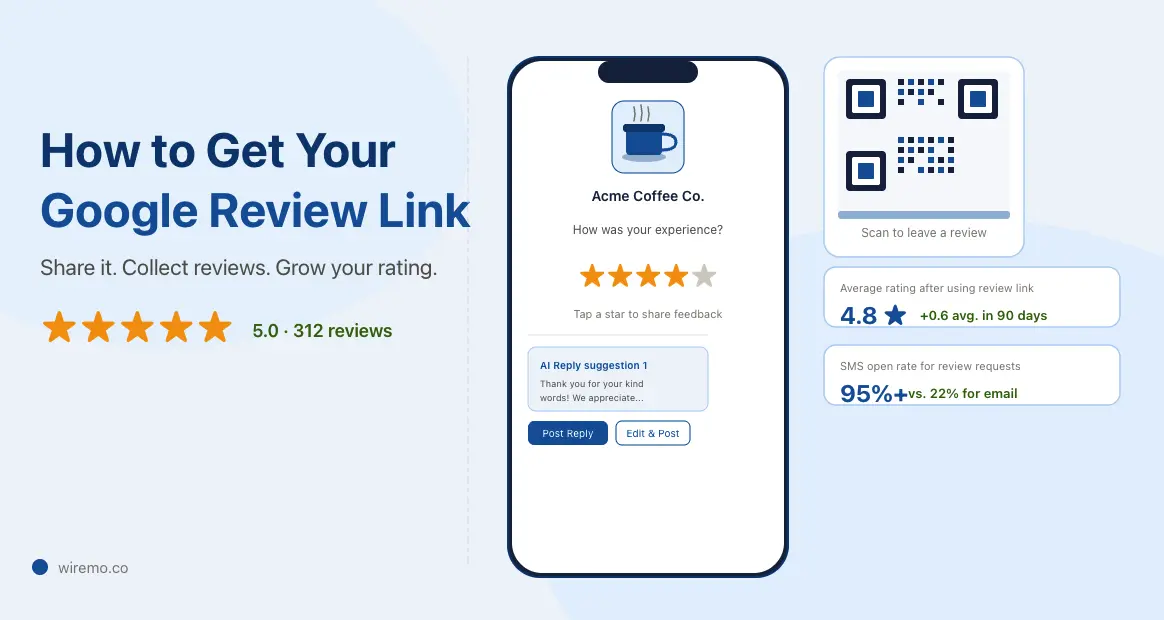
A Google review link is a short URL that opens the "write a review" form of your Google Business Profile (GBP). A customer taps it, picks a star rating, and writes a few words without searching for your business first. You can copy yours in under a minute, on a computer or in the Google Maps app.

The fastest way to get the URL and a print-ready QR code together is Wiremo's free Google review QR code and link generator. Search your business, pick a template, and the files arrive by email. Below you'll find Google's own steps, a method for when you don't manage the profile, where to share it, and fixes for when it doesn't work.

Read more →

blog Adrian Crismaru

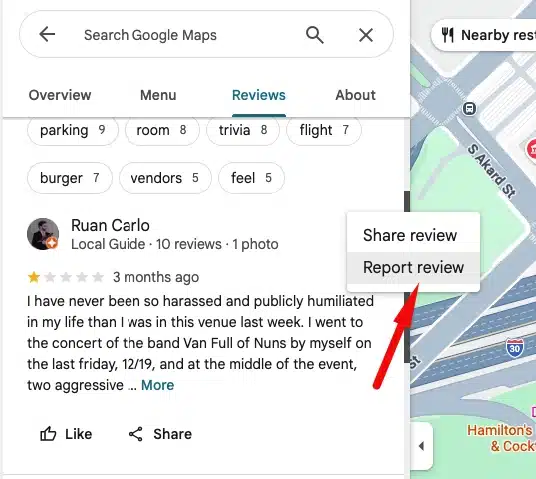
How to Get a Google Review Removed: The Complete Process

How to get a Google review removed: the full process

Getting a Google review removed takes more than clicking a report button. Only Google can delete a review, and only when it breaks a specific content policy. Most businesses give up too early because they don't know what comes after the first rejection.

This guide covers the complete path: from your first report, through an appeal, all the way to the final escalation option that very few businesses ever reach. Figure out where you are in the process and pick up from there.

Important: Google does not remove reviews simply because they are negative or unfair. A review must violate a specific policy to be eligible for removal. Before reporting anything, make sure you have a real policy violation to point to, or your request will be declined.

Read more →

blog Adrian Crismaru

Online Reputation Management for Local Businesses (2026)

Why Your Google Reviews Are a Business Asset, Not Just a Feedback Box

Online reputation management for local businesses is one of those topics that sounds more complicated than it needs to be. In practice, it comes down to one thing: controlling what people see and decide when they search for you on Google before they ever make contact.

Most local businesses treat their reviews the way they treat their fire extinguisher: important in theory, ignored in practice, noticed only when something goes wrong.

That's a problem, because your Google reviews are not passive feedback. They determine whether new customers call you or your competitor. They signal to Google how prominent your business is, which directly affects where you appear in local search results. And they create a first impression before a single person walks through your door.

This guide covers what online reputation management actually involves for a local business, what the data says about its impact on rankings, and how to build a system that keeps your reputation working for you without consuming your day.

Read more →

blog Adrian Crismaru

Google Business Profile Posts: Best Practices for 2026 (Straight From Google's Product Team)

Every day, millions of people open Google looking for somewhere to go, something to eat, or someone to call. They're not browsing. They're deciding. And what often tips that decision is whether your business looks active right now.

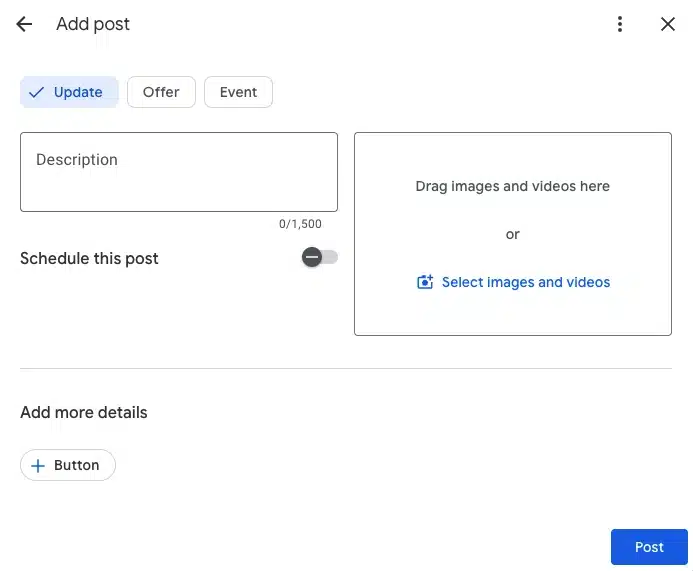
Google Business Profile Posts put you in front of them at that moment. A post about tonight's happy hour. A post about the World Cup tour package is still available this weekend. A post with a first-visit discount that answers the exact question someone just typed in.

The best practices in this guide come directly from Google's product team, including the product manager who built the updated post tool, plus the new scheduling and recurring post features that launched in late 2025.

Read more →

blog Adrian Crismaru

How to Pass Google Business Profile Video Verification on Your First Try (2026 Checklist)

Google Business Profile video verification is one continuous, unedited recording made in the Google Maps app on your phone. It has to prove three things: where the business is, that it operates there, and that you manage it. Google says most successful videos run 1 to 2 minutes. Start outside at the address, show the permanent sign, then show something only the manager can access.

How to Record and Upload Your Google Business Profile Video Verification

You must use the Google Maps app on your mobile device, logged into the same Google account that manages the Business Profile. Desktop and pre-recorded uploads are not accepted.

  1. Open Google Maps on your phone. Do not use a browser or Google Search. The recording option only appears inside the Google Maps app.
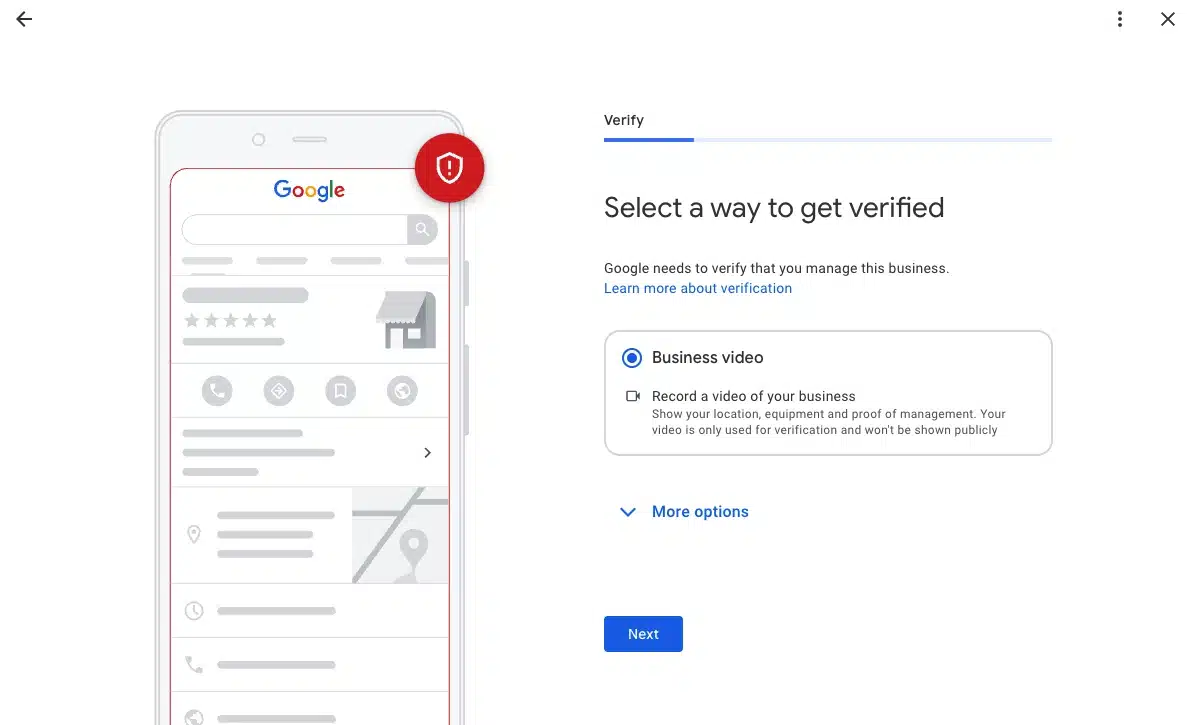
  2. Tap "Get verified" on your Business Profile. Find your profile inside the app, then tap the "Get verified" button.
  3. Select "Business video" then tap "Next". If both phone code and business video options appear, choose Business video.
  4. Read the requirements, then tap "Next" again. Allow access to your location, camera, and microphone when prompted.
  5. Position yourself outside before you tap "Start recording". Be physically outside your business address before you begin. Once you start, you cannot pause or cut the recording.
  6. Walk through your verification route in one continuous take. Follow the 9-step filming checklist below without stopping. Target 60 to 90 seconds total.
  7. Review the footage, then tap "Upload video". Watch it back before submitting. If anything is unclear or missing, tap "Try again" to re-record.
  8. Stay on a stable network during the upload. If your phone switches between Wi-Fi and mobile data mid-upload, Google may read the video as discontinuous and reject it. Switch fully to mobile data if your office Wi-Fi is patchy.

Timing: Google recommends most successful videos are 1 to 2 minutes long. Under 30 seconds will fail for insufficient coverage. Over 2 minutes can cause upload errors. After submission, review takes up to 5 business days.

Read more →