Blog

Insights and tips for the review community

blog Adrian Crismaru

Why Google Reviews Disappear in Spring: The Seasonal Removal Pattern

What you'll learn

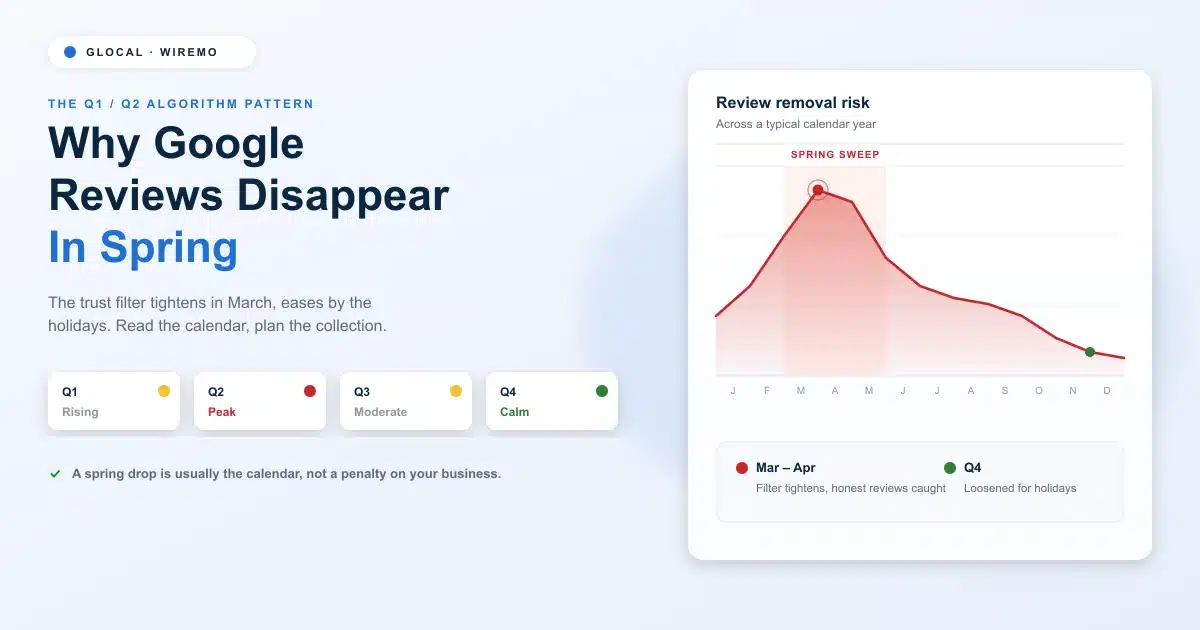
  • The Q1/Q2 algorithm cycle that makes reviews vanish on a schedule
  • A quarter-by-quarter calendar of when removal risk peaks and eases
  • Why a review that passed in January can fail the same test in April
  • The difference between a hidden review and a truly deleted one
  • How to time your collection so a spring dip barely shows

You check your profile one morning, and the number is wrong. Forty-one reviews last week, thirty-six today. Nobody asked for them to be taken down, no customer changed their mind, yet five are simply gone. It feels random. It is anything but. Reviews tend to vanish on a calendar, and once you can read that calendar, the morning panic turns into a planning problem.
Read more →

blog Adrian Crismaru

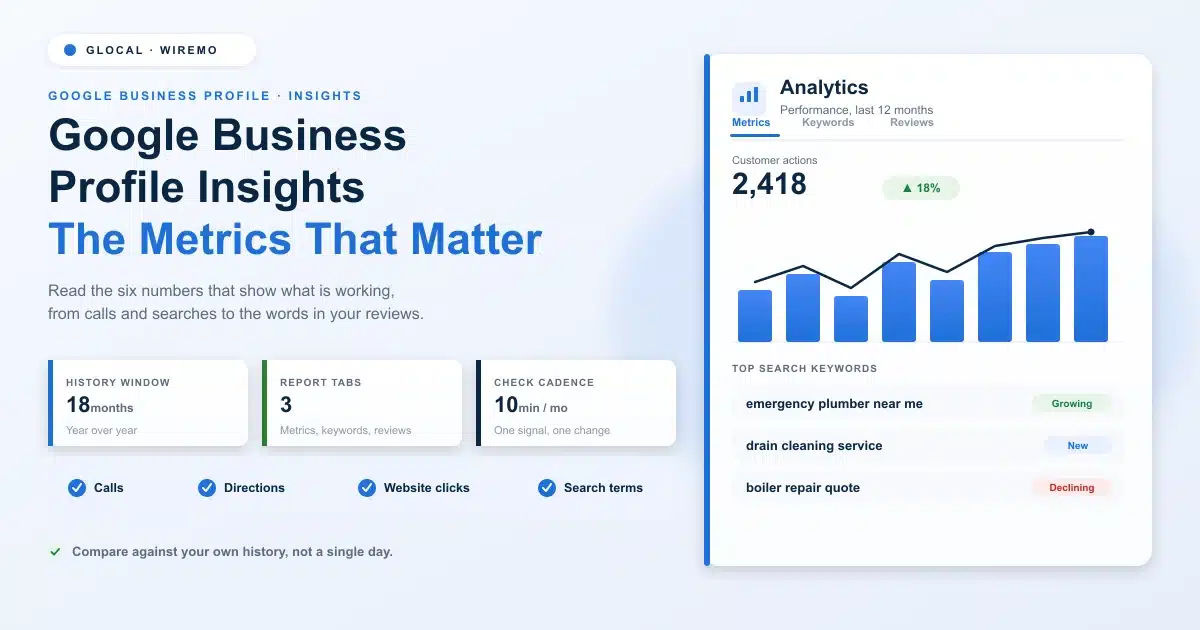
Google Business Profile Insights: The Metrics That Matter

What you'll learn

  • Where to find Google Business Profile Insights and how far back the data goes
  • The customer action metrics that tell you whether the profile drives real business
  • How to read the search keywords people use to find you, and which are growing
  • What the words inside your reviews reveal about demand and reputation
  • How to turn the numbers into one or two decisions a month, not a spreadsheet habit

Google Business Profile Insights is the performance report attached to every profile. It counts calls, direction requests, website clicks, bookings and menu opens, and lists the search terms that surfaced your listing. The data runs back about 18 months and lags two to three days. Once a month, compare each metric with the same month last year and act on the biggest mover.

Your Google Business Profile is quietly logging almost everything that happens on it. Every call, every tap for directions, every search term that surfaced your listing, all recorded. Most owners never look. They check the star rating, glance at the review count, and close the tab.

Read more →

blog Adrian Crismaru

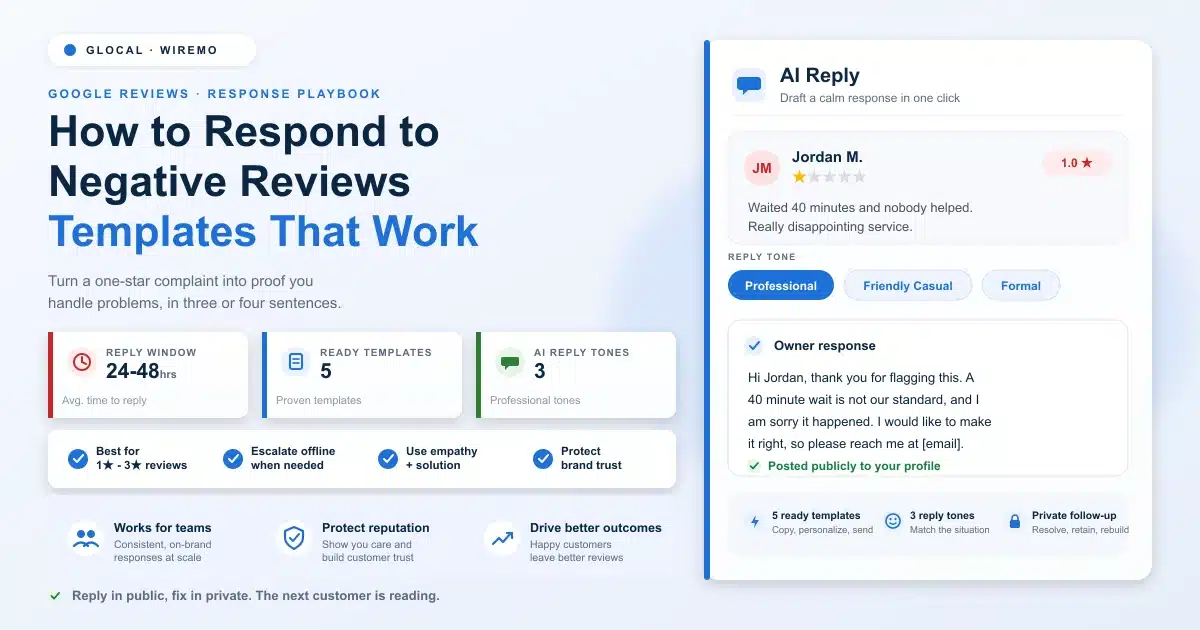
How to Respond to Negative Google Reviews: Templates And Examples

What you'll learn

  • The four-part formula behind every reply that wins back a customer
  • Five copy-and-edit templates for the negative reviews you actually get
  • What a weak response and a strong one look like, side by side
  • How to handle a fake or policy-breaking review without losing your cool
  • Why a fast, public reply does more for the next customer than the upset one

Learning how to respond to negative Google reviews starts with a hard truth: a bad review feels personal. You read it, your stomach drops, and your first instinct is to defend yourself or pretend it is not there. Both instincts are wrong, and both cost you, customers.

Read more →

blog Adrian Crismaru

Google Business Profile Audit: The 6 Sections to Fix First

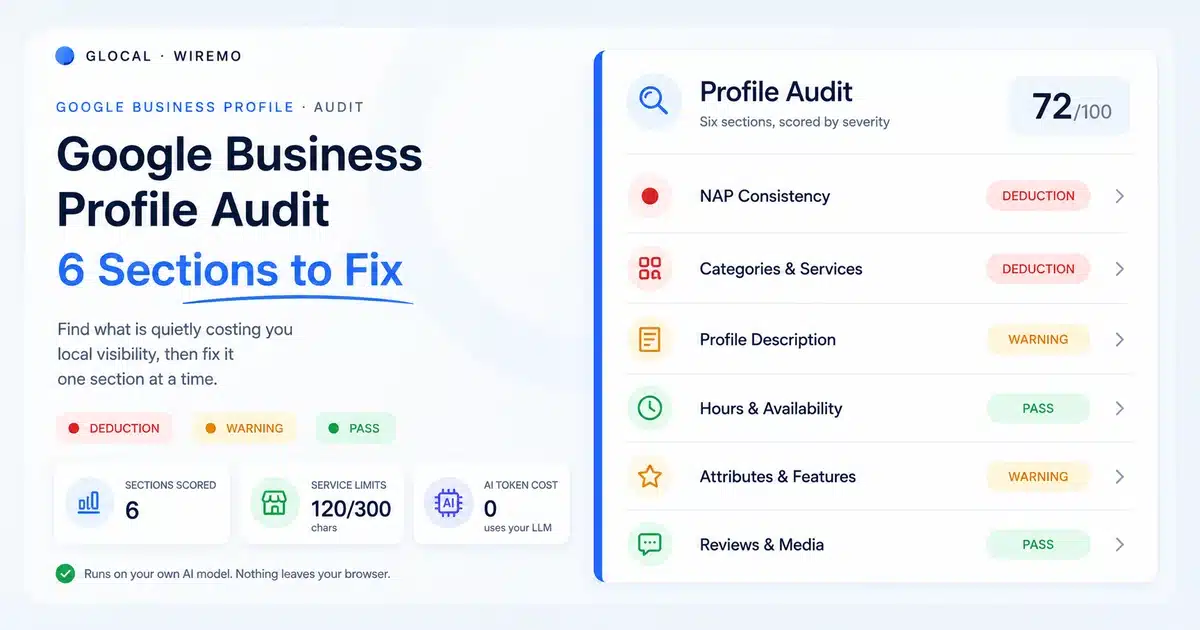
Want a score for your own profile, not only a checklist? The free Google Business Profile audit runs 32 checks across six areas plus a 29-rule Google policy scan. Search for your business, sign in with Google, and get a graded report with fixes in about a minute. The guide below explains how to check each part by hand.

What you'll learn

  • The six sections every Google Business Profile audit should cover, in priority order
  • Why is inconsistent name, address, and phone data quietly caps your local ranking
  • The exact character limits Google enforces on services, and how to use them
  • What to fix in your description, hours, and attributes before anything else
  • How to run the whole audit in minutes instead of guessing what is broken

Most local businesses never audit their Google Business Profile. They claim it, fill in the basics, and move on. Then the rankings stall, the calls slow down, and nobody can say why. The profile looks fine at a glance, so it gets blamed last.

Read more →

blog Adrian Crismaru

Deleted Google Reviews: How to Recover Them in 2026

What you'll learn

  • The 4 reasons Google removes reviews, and which ones come back
  • How to find every deleted review in under 60 seconds
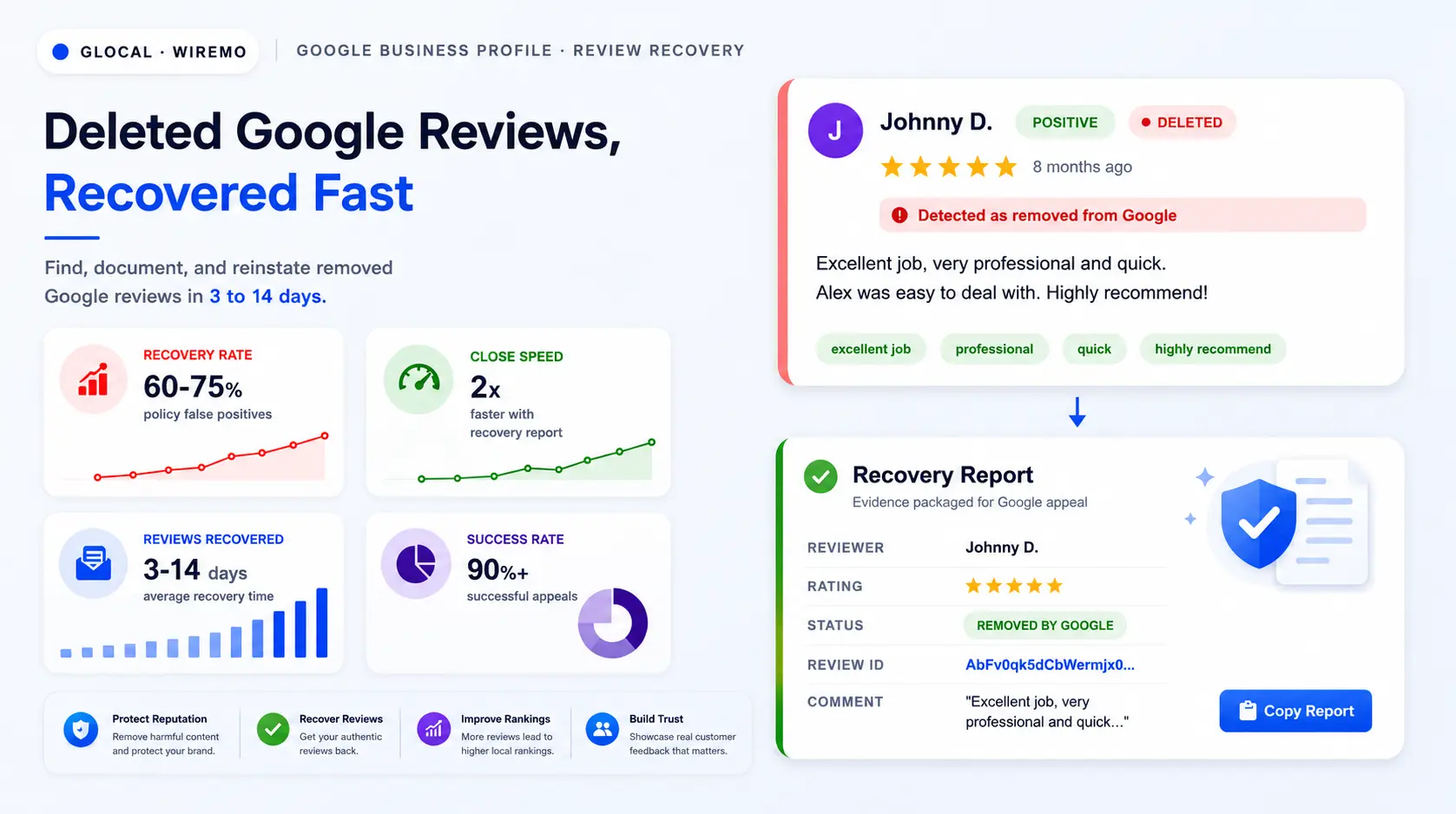
  • The Recovery Report Google needs before any appeal closes fast
  • The exact 3-step Google Support path to file an appeal that closes in 2-5 days
  • How to cut future review deletions by 70% without breaking policy

A deleted Google review is not always gone for good. The review text, the rating, the date, and the original Google ID still sit in archival logs. If you can hand Google that data with a clean appeal, the review often comes back within 3 to 14 days. Most businesses skip the appeal because they never logged the review in the first place.

Read more →

blog Adrian Crismaru

How to Automate Review Requests: Google Review Automation

What you'll learn

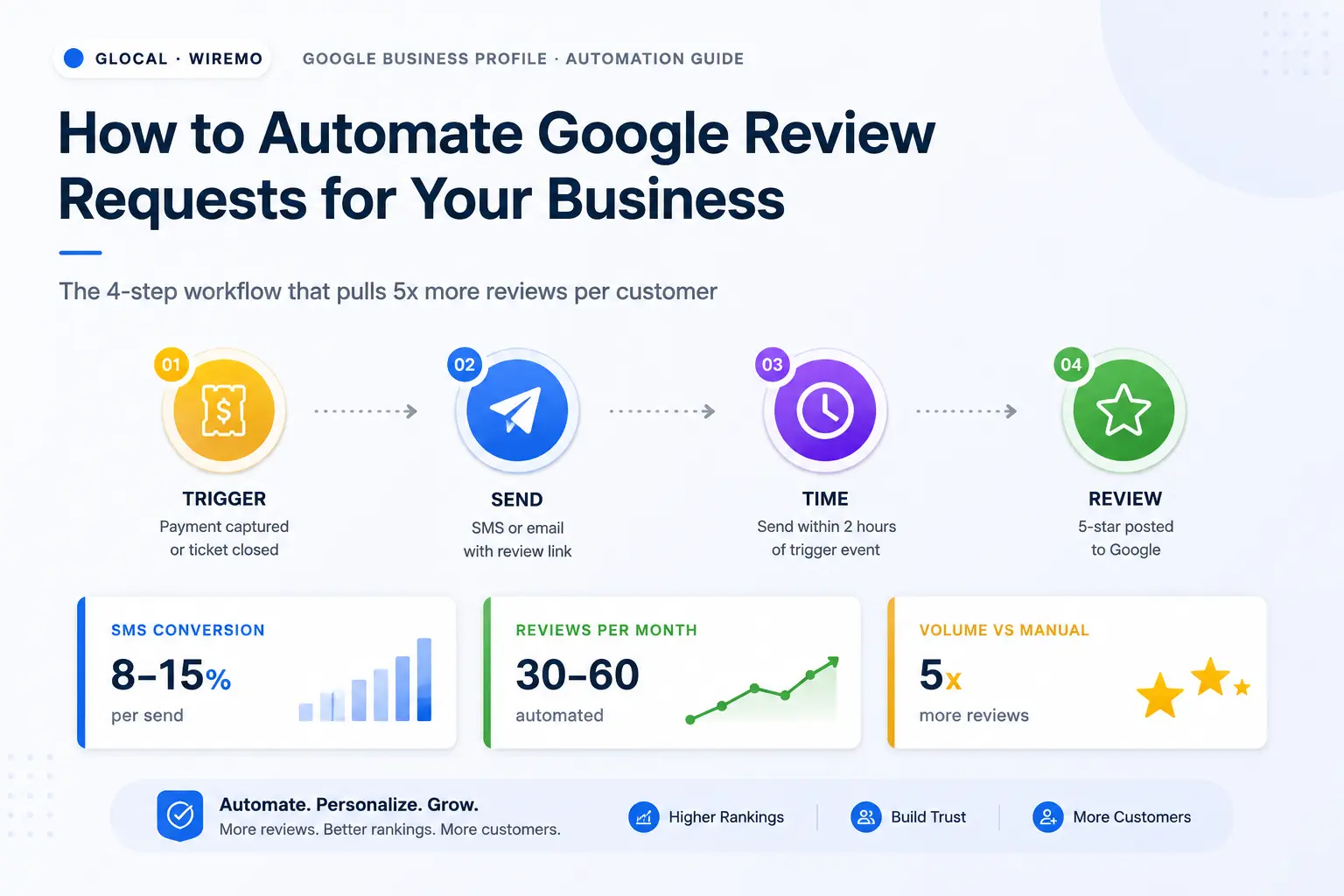
  • The 3 parts of every automated review request: trigger, message, link
  • A 7-step setup that connects your POS, booking tool or CRM to the request
  • When to send by business type, and how many reminders to allow
  • Where Google draws the line on incentives, gating and selective asking
  • How far to automate review replies, and what to check before you buy a tool

Read more →

blog Adrian Crismaru

Google Reviews for Business: How to Win The Local Pack in 2026

TL;DR

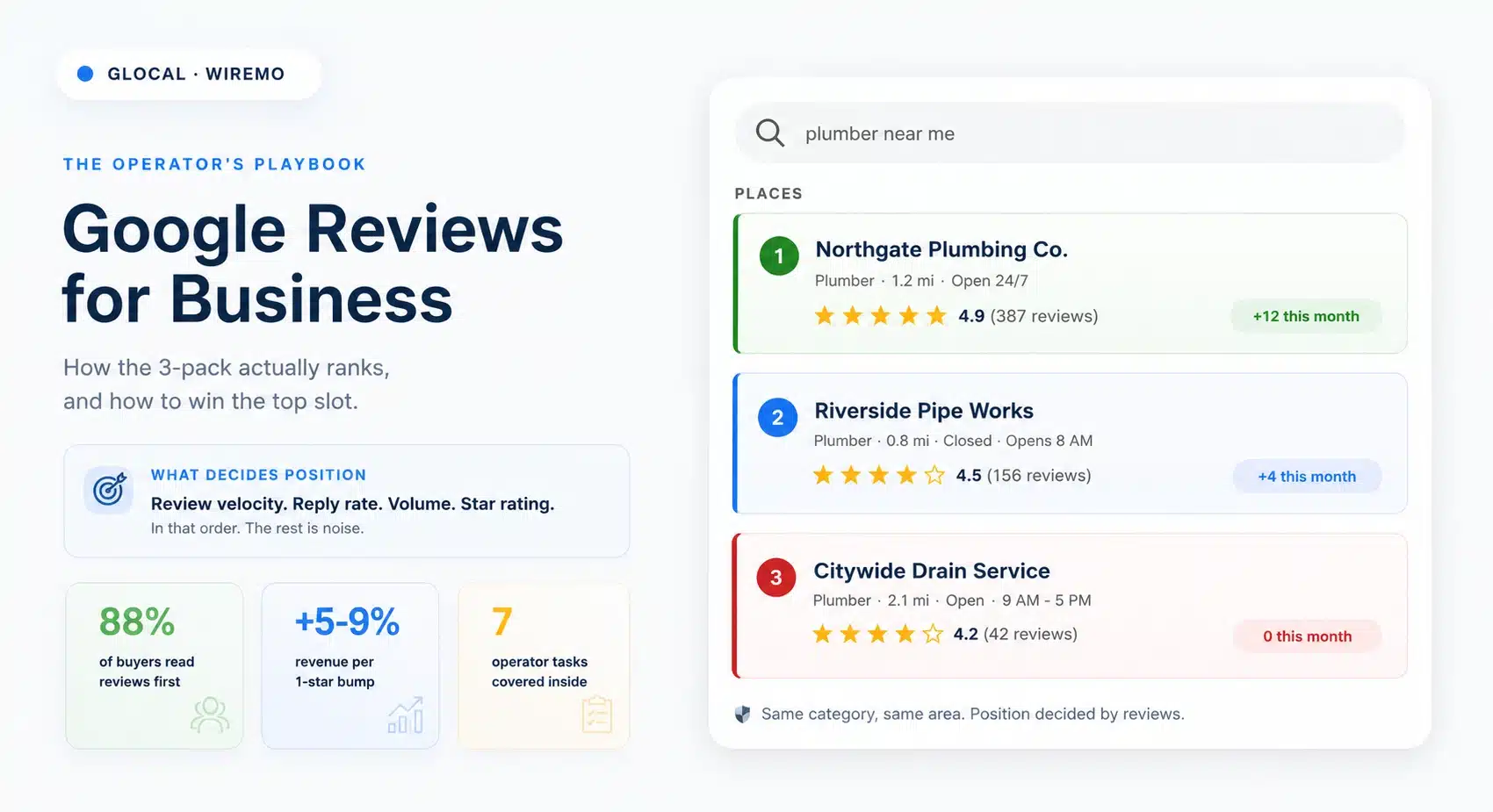
Google reviews for business in 2026 are the single biggest organic-trust lever a local company controls. This playbook covers the 7 operator tasks every owner runs: why reviews matter and where they show, how to ask politely, how to respond (including the bad ones), what Google's policy says, how reviews drive local SEO, the mistakes that quietly kill velocity, and how to manage all of it at scale with a 30-day plan to start.

The average local business owner spends 4 hours a week on Google reviews and still feels behind. Half of that time is wasted because the operator does not have a clear playbook for what to do, in what order, and where the leverage actually is.

This pillar is the playbook. It walks through the 7 tasks that decide whether a Google Business Profile becomes a steady source of new customers or a slow leak of trust.

Read more →

blog Adrian Crismaru

How to Leave a Google Review: Step-by-Step for Customers And Businesses

TL;DR

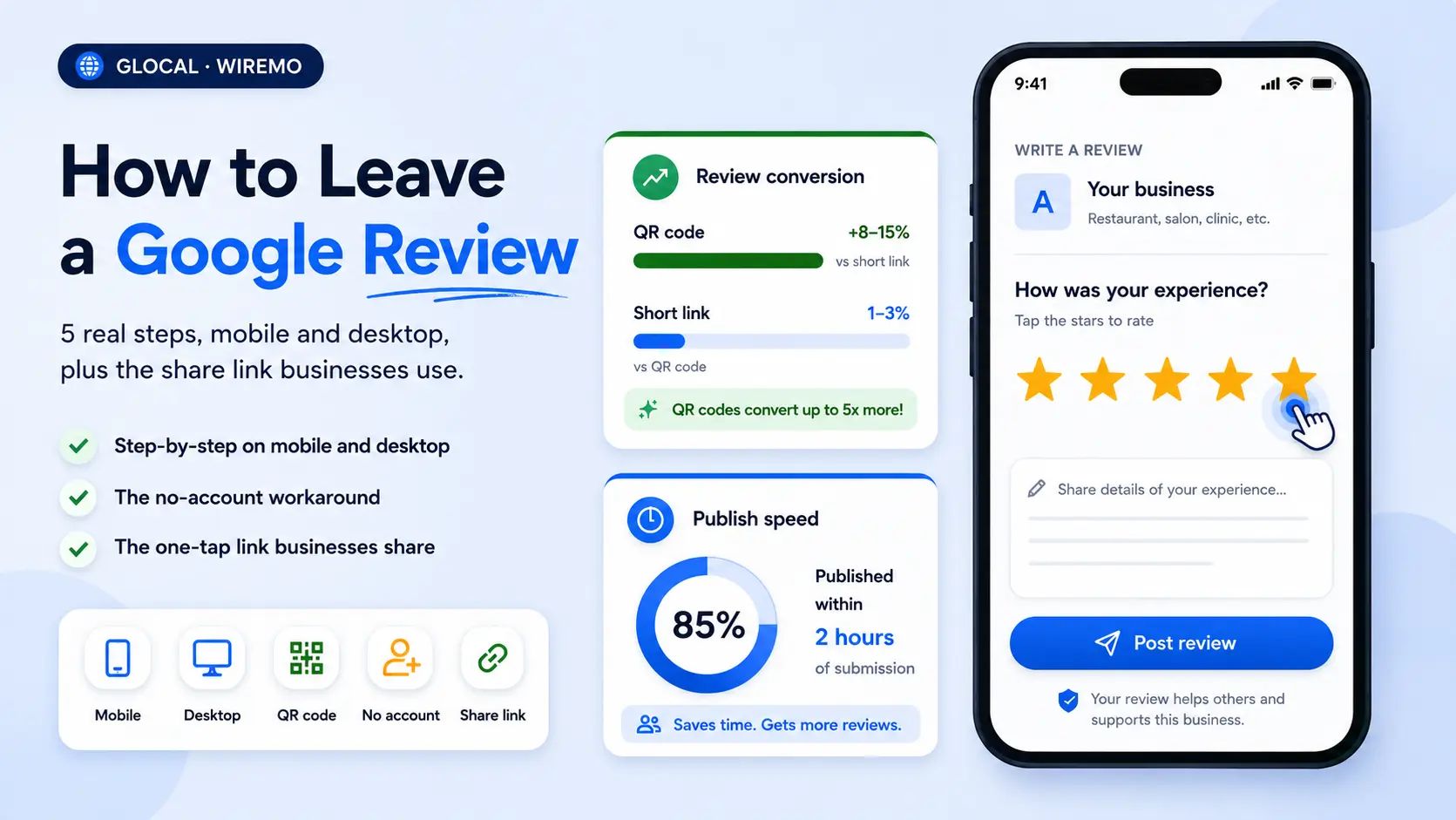
  • How to leave a Google review: sign in to a free Google account (any email works, not only Gmail), open the business in Google Maps or Google Search, pick your stars, write, and post.
  • On iPhone or Android: open the Google Maps app, open the business, tap Reviews, tap the 5 empty stars, write, and tap Post.
  • On a computer: find the business in Google Maps or Google Search, click Write a review, pick your stars, write, and click Post.
  • Every review is public and shows your Google profile name. You can shorten that name, but you can't post anonymously.
  • Business owners: share your review link or QR code so customers land straight on the review form.

Here's how to leave a Google review: sign in to your Google account, find the business in Google Maps or Google Search, open its reviews, tap the stars, write a few sentences about your visit, and post. The steps are identical in the Google Maps app on iPhone and Android, and on a computer the button is called Write a review.

Read more →

blog Adrian Crismaru

Google My Business Customer Service Number USA - The Honest Answer

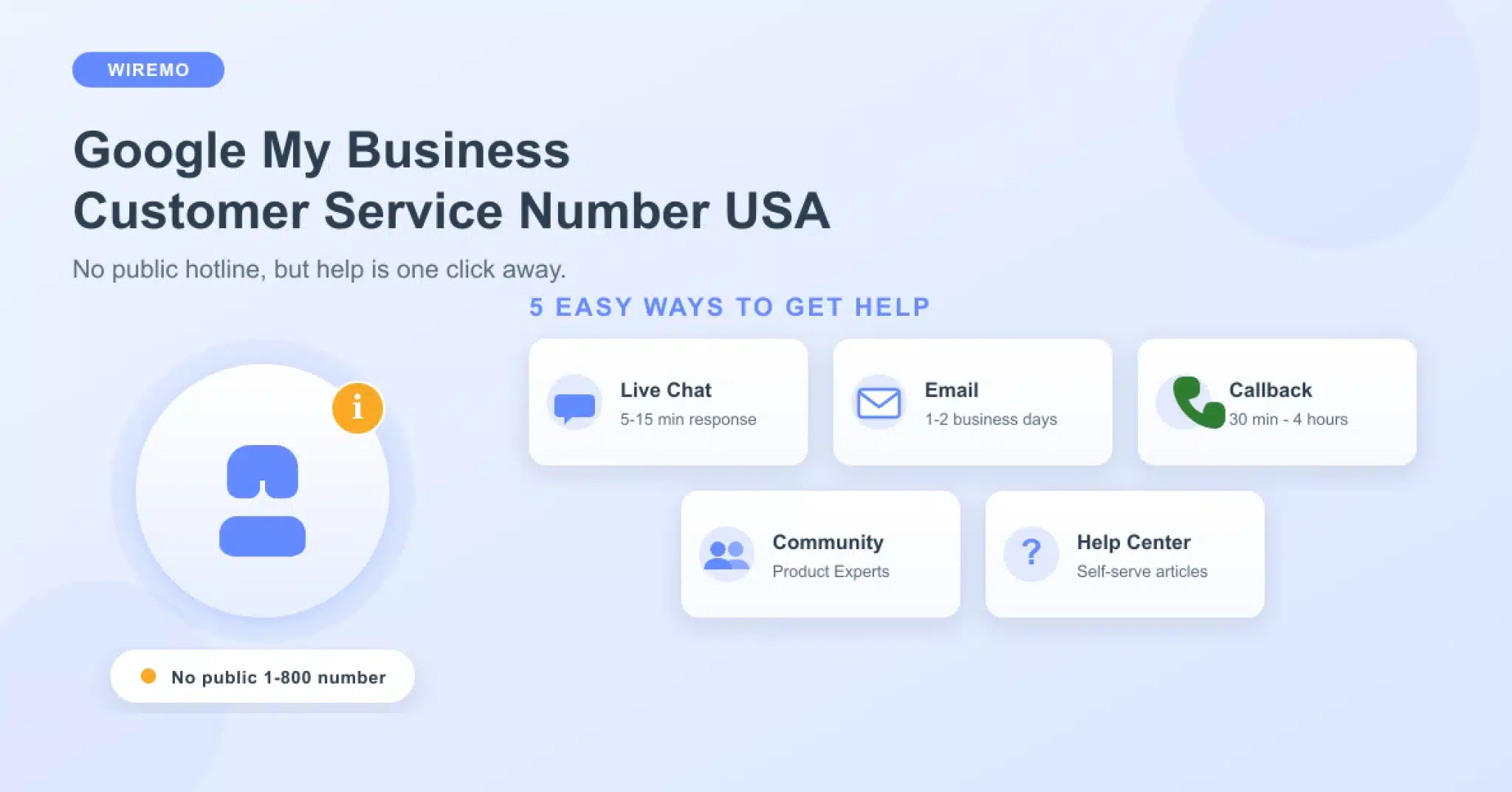
The Google My Business Customer Service Number USA you have been searching for does not exist as a public hotline, and here is the truth most websites will not tell you upfront. Google does not publish a public dial-in customer service phone number for Google Business Profile support. There is no "1-800" hotline you can call to immediately reach a Google Business support agent. Any website that advertises a dedicated Google My Business Customer Service Number USA helpline is almost always a third-party service or, in many cases, an outright scam designed to phish for your login credentials or charge you for "verification" services Google already offers for free.

TL;DR - What you'll learn:

  • Why does Google not publish a public Google My Business customer service number for the USA?
  • The 5 real Google support channels that actually work, with response times for each.
  • How to use the callback feature so a verified Google agent calls you instead.
  • How to spot and avoid the most common fake "GMB support" phone-number scams.
  • The exact information to have ready before you open a Google Business support ticket.

Read more →

blog Adrian Crismaru

How Often Should You Track Your Google Maps Ranking?

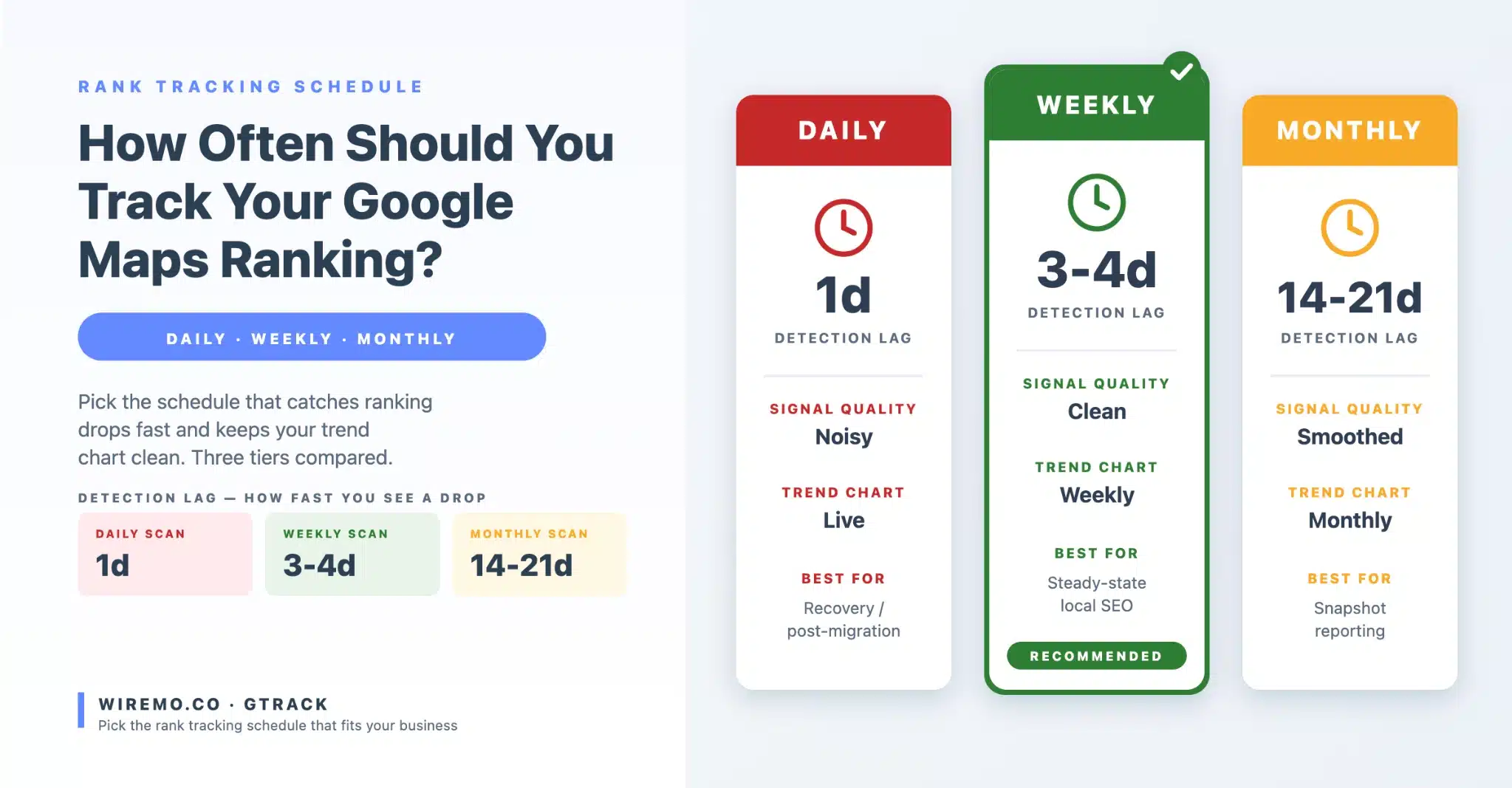
Track Google Maps Ranking too often, and every random Google refresh looks like an emergency. Track it too rarely and a real ranking collapse hides for ten weeks before anyone notices. Both errors cost you the same thing: the ability to read your own data.

Most local businesses fall on one side or the other of that window, and neither side is recoverable without a deliberate timing choice. The right answer sits inside a narrow band that changes with your industry, your competitive density, and the kind of question you are trying to answer with the data. This guide settles the frequency debate in three head-to-head match-ups so you can pick a schedule and stop second-guessing it.

TL;DR – What you'll learn:

  • The three variables that decide your real rank tracking frequency (not what the tool defaults say).
  • When daily scans pay for themselves, and when they only burn credits.
  • Why weekly is the steady schedule most local businesses actually need.
  • How to pair a slow trend schedule with fast spot-check scans when something looks off.
  • A decision matrix you can apply to your own business in under five minutes.

Read more →