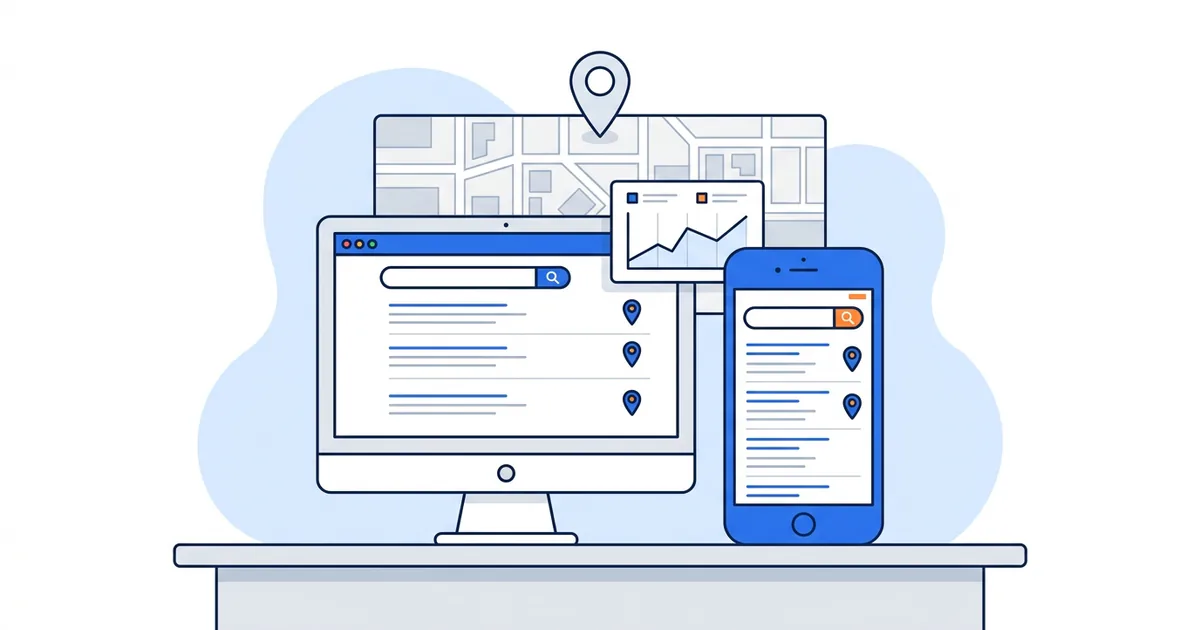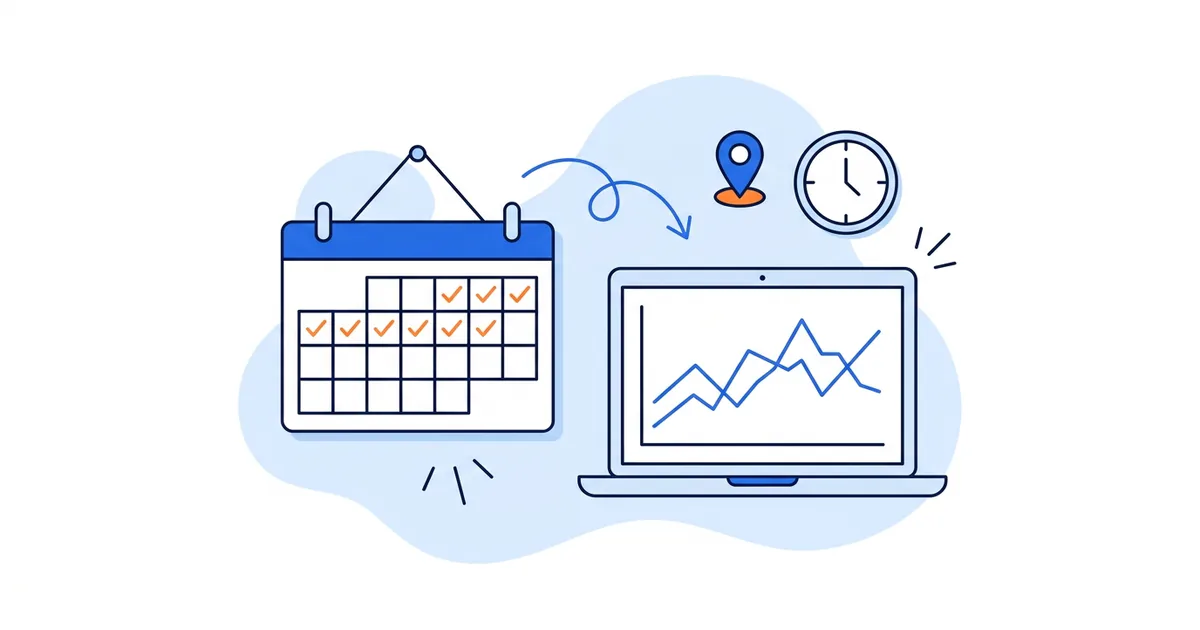
Daily rank tracking means checking your keyword positions once every day, at the same time and from the same location, and keeping every result. For a local business that covers two measurements: your organic position in Google Search, and your Google Maps rank read from a grid of points around your business.
The verdict up front: daily data pays off for a few weeks at a time, around a change you made or a change Google made. Outside those windows most day-to-day movement is noise, and a weekly schedule shows you the same trend for about a seventh of the cost.
So is daily useful? Yes, when your question is "which day did this start?": a site migration, a Business Profile edit, a Google update rolling out, a drop a client is asking about, or a new location going live. Weekly is enough when your question is "is this working?", which covers most ongoing SEO and local work.
What you'll learn
- Daily vs weekly vs monthly, and when daily earns its keep
- How to read daily numbers without reacting to noise
- What to look for in a tool, and six daily rank tracking tools compared
- Free options, setup and credit math
What a daily rank tracker records
A daily rank tracker runs the same search for each keyword every day and stores the position it finds. The value lives in the history. One check tells you where you stand this morning. Thirty checks in a row tell you when a move started, how far it went and whether it held.
For organic results, the tracker requests the Google results page from a set location and device and records where your site appears. For Google Maps, one check is not enough, because your Maps rank changes with the searcher's position. Google lists distance as one of the three main local ranking factors, defined as "how far each business is from the customer who's searching" (How Google determines local ranking). A geo-grid tracker scans from many GPS points and records your rank at each pin. Our post on geo location rank tracking compares city, ZIP code and grid tracking, and the mobile rank tracking guide covers the device side.
Daily vs weekly rank tracking: which one you need
On daily vs weekly rank tracking, most businesses need weekly most of the time and daily for short stretches. The table sets the three common cadences side by side.
| Cadence | What it catches | Runs a month (cost) | Best for |
|---|---|---|---|
| Daily | The day a move starts, so you can tie it to a specific edit or update; also every small wobble | About 30 (the most credits) | Migrations, profile changes, update rollouts, drop investigations, tight competitive markets |
| Weekly | A real trend within 7 days, with 4 or 5 data points a month; hides single-day noise | 4 or 5 (about a seventh of daily) | Ongoing campaigns, most local businesses, agency default |
| Monthly | Direction over a quarter; misses when and why a change happened | 1 (a thirtieth of daily) | Stable businesses in quiet markets, low budgets, long-term reporting |
A rule of thumb:
- Run daily for two to four weeks around a change, starting a week before it so you have a baseline.
- Run weekly as your default for keywords you are working on.
- Run monthly for keywords you already own and are not trying to move.
For the Maps version of this trade-off, see how often to track Google Maps rankings.
When daily rank tracking pays off
A site migration or redesign
New URLs, a new template or a new host can drop pages for days while Google recrawls. Daily data shows which keywords dipped and whether they came back. The GTrack help center gives the same advice for its organic tracker: "Use Daily when you've made significant site changes and want to track recovery closely" (SERP Tracker tracking settings).
Google Business Profile edits and category changes
Changing your primary category, your business name or your service area can move your Maps rank within days. Run a daily grid scan for the keywords tied to that category, and you will see whether the change helped, hurt or did nothing, before you stack another edit on top of it.
Google core and local updates
The Google Search Status Dashboard lists each confirmed ranking update with a start date and duration; local ranking changes are usually not announced there, which is one more reason to keep your own daily record. The May 2026 core update ran for 11 days and 21 hours; the September 2026 spam update started on 24 September and ran for 13 days and 16 hours. Daily data tells you whether your move lines up with those dates or with something you did. Google's own advice is to wait "at least a full week after a core update completes before analyzing your site in Search Console", then compare that week with a week before the rollout began (Google Search Central), so collect daily data but judge it on weekly windows.
A ranking drop under investigation
When a client calls about a drop, daily checks find the start date, and the start date narrows down the cause: a review purge, a competitor's new location, a page edit. The Google Maps ranking drop recovery checklist covers what to check once you have the date.
Competitive verticals
In personal injury law, locksmiths or emergency plumbing, only three businesses fit in the map pack and each lead is worth a lot, so a slip from 2nd to 4th costs calls fast. A faster signal is worth paying for on your top few keywords.
Launches
A new location, service page or Business Profile takes time to settle. Daily scans in the first weeks show when it starts appearing, and where on the grid.
Client reporting cadence
Some agency clients expect day-level answers ("what happened on Tuesday?"). If your contract promises that, you need daily data for the keywords in the report. If it promises a monthly report, weekly data is plenty.
Outside these cases, daily tracking mostly records normal churn, and you pay for 30 runs a month to see the trend a weekly schedule would show.
How to track daily rankings without overreacting
The risk with daily data is acting on it. If you track daily rankings, set rules before you look at the first chart.
- Read the 7-day trend, not yesterday. A move that reverses within two or three days is noise. A move that holds for most of a week is a change worth investigating.
- Scan at the same hour every day. The GTrack help center says: "Choosing a consistent time helps compare results accurately over days or weeks."
- Look at the grid's shape as well as its average. One pin flipping from 3rd to 6th at the edge of your area is normal. A whole side of the grid turning red is a pattern. Our guide to reading Google Maps grid patterns shows the common shapes and what each one means.
- Keep a change log. Write down every edit with its date (profile changes, new pages, review campaigns, ads) so you can line daily data up against it.
- Check competitors before blaming yourself. A rival that changed its main category or gained 30 reviews that week is a different problem from a penalty.
- Do not change your setup mid-test. A new grid size, center or keyword list breaks the comparison. For the setup mistakes that ruin a data series, see tracking Google Maps rankings accurately.
What to look for in a daily rank tracker
A daily rank tracker beats searching yourself every morning because it checks from the same point at the same hour, without your search history. Check these nine things:
- Fixed location. A city, ZIP code or coordinates; for Google Maps, a grid of points.
- Device. Mobile and desktop tracked as separate rankings.
- Depth. Top 10 or top 100, and whether deeper costs more.
- Time of day. A set hour and timezone, so each day compares with the last.
- History and export. Dated runs, 7- and 30-day views, CSV export.
- Alerts. An email when a run finishes or a position moves.
- Competitors. Rivals' positions, and for Maps, changes to their profiles.
- Cost per check. How one run is billed (per keyword, pin or results page), times 30.
- Sharing. A client link or branded report, for agencies.
The 10 best local rank tracker tools comparison applies these to local tools in more depth.
Daily rank tracking tools compared (2026)
Most trackers update daily now, so "daily" alone does not separate them. What differs is what one daily check measures: one organic position per keyword and location, or a Google Maps rank from many points. Each claim below comes from the vendor's own product page, checked on 3 November 2026; prices are left out because they change often.
| Tool | What "daily" means | Location and device | Fits |
|---|---|---|---|
| GTrack | A Google Maps grid scan from every pin at the hour you set (daily runs need a paid plan's credits); a daily organic run in SERP Tracker (paid plans) | A grid of GPS points around the business (up to 5x5 on Free); SERP Tracker: city, region or country, mobile, desktop or both | Local businesses and agencies that need Maps rank across a service area, plus organic positions |
| Google Search Console (free) | Your site's average position per day, with hourly points in the 24-hour view; the newest data is preliminary | No fixed location: one average across searchers, with Countries and Devices tabs | Every site owner, as the free baseline for organic queries |
| SE Ranking | Tracks "daily website positions across the top 100 results on Google, Bing, and YouTube" | Rankings in "any city, region, or ZIP code"; desktop and mobile | Sites and agencies tracking organic positions by city or ZIP, along with SERP features such as AI Overviews |
| Semrush Position Tracking | "Semrush pulls fresh data every day"; daily, weekly and monthly refreshes | ZIP-code-level local data; mobile and desktop splits | Teams already in Semrush that want rankings and SERP features (AI Overviews, local packs) in one place |
| AccuRanker | "Daily updates across rankings, SERP features, and CTRs", plus on-demand refreshes of one keyword or a whole domain "every two hours" | Local or country level; devices not stated on that page | Teams that want to re-check between daily updates, for example on launch day |
| Wincher | "We update your website rankings every day" | Desktop and mobile; a separate Local Rank Tracker covers businesses listed on Google Maps | Site owners who want daily Google positions on desktop and mobile |
For a website that sells nationally, any of the organic trackers covers daily rank tracking well; pick by the suite you already use. For a business that wins customers from a map, a daily organic position from one city is only half the picture, because your Maps rank can be 2nd at the shop and 12th across town on the same morning, which only a geo-grid scan shows.
Free daily rank checker options and their limits
You can get something close to daily data without paying, as long as you accept what each method cannot see. None of these is a true daily rank checker for the map pack, but each covers either organic positions or a few manual spot checks.
Google Search Console, by day
The Performance report charts average position day by day. Google defines it as "the average position of the topmost result from your entire site", and the newest data "might change in the next few hours" (Performance report help). The figure averages every searcher's location and device, so a business that ranks 2nd near the shop and 15th across town can show up as 7th. It also covers Google Search results only (Search Console metrics help), so it says nothing about your rank inside Google Maps. It is still the best free daily signal for organic queries.
A manual check routine
Pick five keywords. Every morning at the same time, open a private (incognito) window, search each one and write the position in a spreadsheet. To search from your customers' city instead of your desk, build each link once with Wiremo's free Google UULE generator, which encodes a location into a google.com search URL, and bookmark it. The limits: one location per check, your own time every day, and no map grid.
Free rank tracker tiers
Several tools have free tiers with a small number of daily checks or tracked keywords. SE Ranking's rank tracker page, for example, describes a free checker for "up to 5 keywords daily". Our list of the best free rank trackers covers what each free tier allows.
A free Google Maps grid scan
GTrack runs your first Google Maps scan with no account, and the $0 plan after that gives you 200 credits a month with grids up to 5x5. That covers one keyword on a 5x5 grid once a week (100 to 125 credits a month). It is not enough for daily, and the cost section below shows the math.
How to set up daily rank tracking in 7 steps
- Write down the reason and the window. "Category change on 10 November, track daily from 3 November to 1 December." An end date stops a daily schedule running for months out of habit.
- Pick a short keyword list. Three to ten keywords that bring calls or sales, tied to the change you are testing.
- Size the grid to your service area and trim it. Center the grid on your business. Disable pins over water, farmland or towns you do not serve; GTrack does not bill disabled pins, so trimming cuts the cost of every run.
- Fix the time of day. In GTrack's Scheduled Scans you set the frequency (Daily, Every Other Day, Weekly, Every 2, 3 or 4 Weeks, or Monthly) and a time of day in 24-hour format (help article). Keep the same hour for the whole window.
- Add organic tracking for the same keywords. In the SERP Tracker, set the device, the location, the search depth and a Daily schedule with an hour and a timezone. Set Max SERP Pages to 1 if you only care about page one, since depth multiplies the credits.
- Set up alerts and one reading slot a week. Paid plans email you when a scheduled scan completes. Read the history once a week with a 7-day view, and look at single days only when the trend moves.
- Step back to weekly when the window ends. Edit the schedule's frequency. If the change worked, weekly data will show whether it holds.
Daily rank tracking cost: Maps and organic credit math
A Google Maps scan in GTrack costs one credit per grid pin per keyword, so a 9x9 grid uses 81 credits per keyword per run. Daily means about 30 runs a month, and that multiplier is why daily is a paid-plan habit. Local Pack scans (paid plans) cost twice the pins, 162 for the same grid, and are run by hand, since they are not available for scheduled scans.
| Schedule | Math | Credits a month | Plan whose credits cover it |
|---|---|---|---|
| 5x5 grid, 1 keyword, weekly | 25 pins x 1 x 4 or 5 runs | 100 to 125 | Free (200) |
| 5x5 grid, 1 keyword, daily | 25 x 1 x 30 | 750 | Starter (5,000) |
| 5x5 grid, 5 keywords, daily | 25 x 5 x 30 | 3,750 | Starter (5,000) |
| 9x9 grid, 5 keywords, daily | 81 x 5 x 30 | 12,150 | Advanced (15,000) |
| 9x9 grid, 10 keywords, every other day | 81 x 10 x 15 | 12,150 | Advanced (15,000) |
| 9x9 grid, 10 keywords, daily | 81 x 10 x 30 | 24,300 | Business (36,000) |
The plans: Free $0 with 200 credits and grids up to 5x5, Starter $19.99 a month with 5,000, Advanced $29.99 with 15,000, Business $59.99 with 36,000 and Pro $99.99 with 81,000. The help center says Free includes scheduled scans and that paid plans unlock "more keywords, higher frequency options, and full ranking history reports".
Every other day halves the cost of daily and still dates a change to within 48 hours, which is enough for most investigations.
Organic daily tracking in the SERP Tracker
The SERP Tracker, included with every paid plan, bills keywords times Max SERP Pages on each run. Ten keywords at a depth of 1 page use 10 credits a run, about 300 a month on a daily schedule; at the default depth of 5 pages, the same ten keywords daily would use about 1,500. Paid plans bundle SERP Tracker credits (50 a month on Starter up to 300 on Pro), and extra packs start at $9 a month for one campaign with 1,000 SERP credits.
What you get from the history
Each scheduled scan keeps a dated map for every run. The Rankings Report shows average ranking and change over time per keyword, with a Last 7 days view and a CSV export (help article); full ranking history reports come with paid plans. A share link opens a report for a client with no login. Competitor tracking (1 competitor on Free, up to 100 on Pro) records a rival's reviews, categories and name every day, and paid plans email you when they change.
Start with a free scan
Free: your first Google Maps grid scan with no account, then the $0 plan with 200 credits a month, 5x5 grids, one tracked competitor and scheduled scans for 3 keywords.
Paid plans, from $19.99 a month: the credits for daily schedules, higher frequency options, more keywords per schedule, the SERP Tracker for organic rankings and Local Pack scans.
Frequently Asked Questions
Is daily rank tracking worth it?
It is worth it for a few weeks around a site migration, a Business Profile change, a Google update or a drop you are investigating, and on your top keywords in very competitive markets. For steady ongoing work, weekly tracking shows the same trend at about a seventh of the cost.
Why do my rankings change every day?
Google results vary with the searcher's location and device, and your position can differ each time a result is seen. Positions on the edge of the top results trade places often, and for Maps, competitors near each grid point move too. Read a 7-day trend: a move that reverses within two or three days is normal churn, and a move that holds for most of a week is a real change.
Is Google Search Console enough for daily rank tracking?
For organic queries it is a good free start: the Performance report charts your average position by day, with hourly points in the 24-hour view. It falls short when location matters. The figure is an average across every searcher, the newest data is preliminary, and its position data covers Google Search only, not your rank on Google Maps. If you serve a local area, pair it with a tracker that checks from fixed locations.
Can a daily rank tracker monitor AI Overviews?
Some organic trackers can: SE Ranking and Semrush both say on their product pages that they track AI Overviews as a SERP feature. GTrack does not track AI Overviews. Its AI Tracker, billed separately on paid plans, asks ChatGPT, Perplexity, Gemini and Google AI Mode the questions your customers ask and records whether they name you, on a monthly, weekly or every-3-days schedule rather than daily. Search Console counts AI Overview appearances inside its Web totals without a separate report (Google's AI features guide).
Is there a free daily rank checker?
Google Search Console is the free daily baseline for organic queries, with the limits above. A manual routine with a private window and a UULE location link works for a handful of keywords. GTrack runs a first Google Maps grid scan with no account, and its $0 plan gives 200 credits a month, enough credits for one keyword on a 5x5 grid once a week, not daily.