Google Business Profile suspended? It comes back when you fix the guideline problem that caused it and then send a reinstatement request with proof that the business is real. Google's Fix suspended or disabled profiles page describes the state you're in: "The public can't go to the profile. The owner and managers can't act on the profile." Nothing is deleted yet. The job is to get the appeal approved on the first attempt, because the fallback is a second form, a forum thread and weeks of waiting.
How to fix a suspended Google Business Profile: the short version
- Stop editing. Read the suspension email and write down the reason it names.
- Find the violation yourself. Compare the profile field by field with Google's guidelines for representing your business. The business name, the address type and the number of profiles per location are the three fields to check first; they are the rules the guidelines page spells out in the most detail.
- Fix what you can reach. If the dashboard still lets you edit, correct the field before you appeal. If it's locked, describe the fix in your appeal text and make the change the day the profile returns.
- Collect the proof before you open the form. Google asks for official business registration, a business license, tax certificates or utility bills. Once you open the evidence form you have 60 minutes to submit it, or it won't be attached to your appeal.
- Submit through the appeals tool. Sign in with the account that manages the profile, pick the profile, read the violation reason Google shows, select Submit Appeal, then attach the evidence.
- Wait for the decision email. Google says it will review the appeal and email a decision. It gives no timeframe.
If your profile never showed up in the first place, or it disappeared without a suspension notice, you're in a different situation. Why is my business not showing up on Google covers new, unverified and filtered profiles.
Check your other profiles, and this one once it is back. The free Google Business Profile audit runs 32 checks across six areas plus a 29-rule Google policy scan, 17 of those rules on suspension risks, and grades a live profile in about a minute.
Google Business Profile suspended: hard, soft or account-restricted?
Google's own pages use three words: suspended, disabled and restricted. The "hard" and "soft" labels come from the local SEO community, and Search Engine Journal's guide defines them the way most practitioners do: a hard suspension takes the listing out of Search and Maps, a soft one leaves it visible but unverified, so anyone can suggest edits to it.
| Type | What you see | What customers see | What to do |
|---|---|---|---|
| Hard | "Suspended" notice in the dashboard, edits blocked | Nothing. The profile is gone from Search and Maps | Reinstatement request with evidence, today |
| Soft | Profile marked unverified, management features limited | The listing, with whatever edits the public suggests | Fix the violation, re-verify, appeal if verification is refused |
| Account restricted | Every profile in the account suspended at once | None of the profiles | Check the Google account's restrictions page, then appeal |
Google's Business Profile restrictions page says that when a merchant "displays a pattern of violating Google Business Profile policies", their access may be restricted, and that "all Business Profiles associated with that account will be suspended." It also says a restriction on another Google product tied to the same account "may result in suspension of the Business Profile." If five locations went down on the same morning, start with the account, not the listings.
Why Google suspends Business Profiles
Google's guidelines page ends with the sentence that governs all of this: "Google reserves the right to suspend access to Business Profiles on Google or other Google Services to individuals or businesses that violate these guidelines." The triggers below are the rules that page states.
- A business name with extras. The guidelines say the name "must not include" marketing taglines, store codes, trademark signs, fully capitalised words, hours, phone numbers or URLs, special characters or irrelevant legal terms such as LLC or INC, service or product words, or location names. "Joe's Plumbing 24/7 Emergency Chicago" packs hours, a service word and a location into one field.
- An address that isn't a place of business. "P.O. boxes or mailboxes located at remote locations aren't acceptable." A rented mailing address you don't work from, which Google calls a virtual office, "isn't eligible for a Business Profile." A co-working office qualifies only if it has clear signage, receives customers during business hours and is staffed by your own people.
- A service-area business showing its address. "If you're a service-area business, you should hide your business address from customers." Google's own example is a plumber who runs the business from a residential address: clear the address from the profile. Service area business SEO explains how to set the service area so you still rank without the pin.
- More than one profile for one location. "Do not create more than one page for each location of your business, either in a single account or multiple accounts." This is also why building a new profile while the old one is suspended backfires.
- A phone number or URL that redirects. "Do not provide phone numbers or URLs that redirect or 'refer' users to landing pages or phone numbers other than those of the actual business."
- Too many categories. The rule is to "use as few categories as possible to describe your overall core business." A locksmith listed under nine categories reads like a spam profile.
- Review behaviour that breaks the content policy. Google's prohibited and restricted content policy bans reviews "that have been paid for, directly or in kind", offering "payment, discounts, free goods and/or services" for reviews, asking staff to "solicit a certain number of reviews", posting "from multiple accounts by or at the request of one person", and any attempt to "discourage or prohibit negative reviews, or selectively solicit positive reviews." For the Google accounts involved, the actions it lists "range from suspending the account privileges to account termination."
- The owner's account, not the profile. Google's fix-suspended page says that if it removes the owner's Google Account, "We remove all the locations owned by that user." A manager's suspension "doesn't affect the locations", but under the restrictions page "content added from the restricted account will be rejected." Search Engine Journal still lists a suspended manager account among the triggers it has seen.
In our study of 286 Google Business Profiles, 101 (35%) had at least one flag that Wiremo's policy scan treats as a suspension risk. In 91 of them the business name tripped a rule, most often with a "|" separator (33 profiles). A flag is a risk, not a confirmed violation or a suspension.
Important: Google's page on missing or delayed reviews says reviews "removed for policy violations won't be restored." A review campaign that offers a discount can cost you the reviews and the profile.
The reinstatement request, step by step
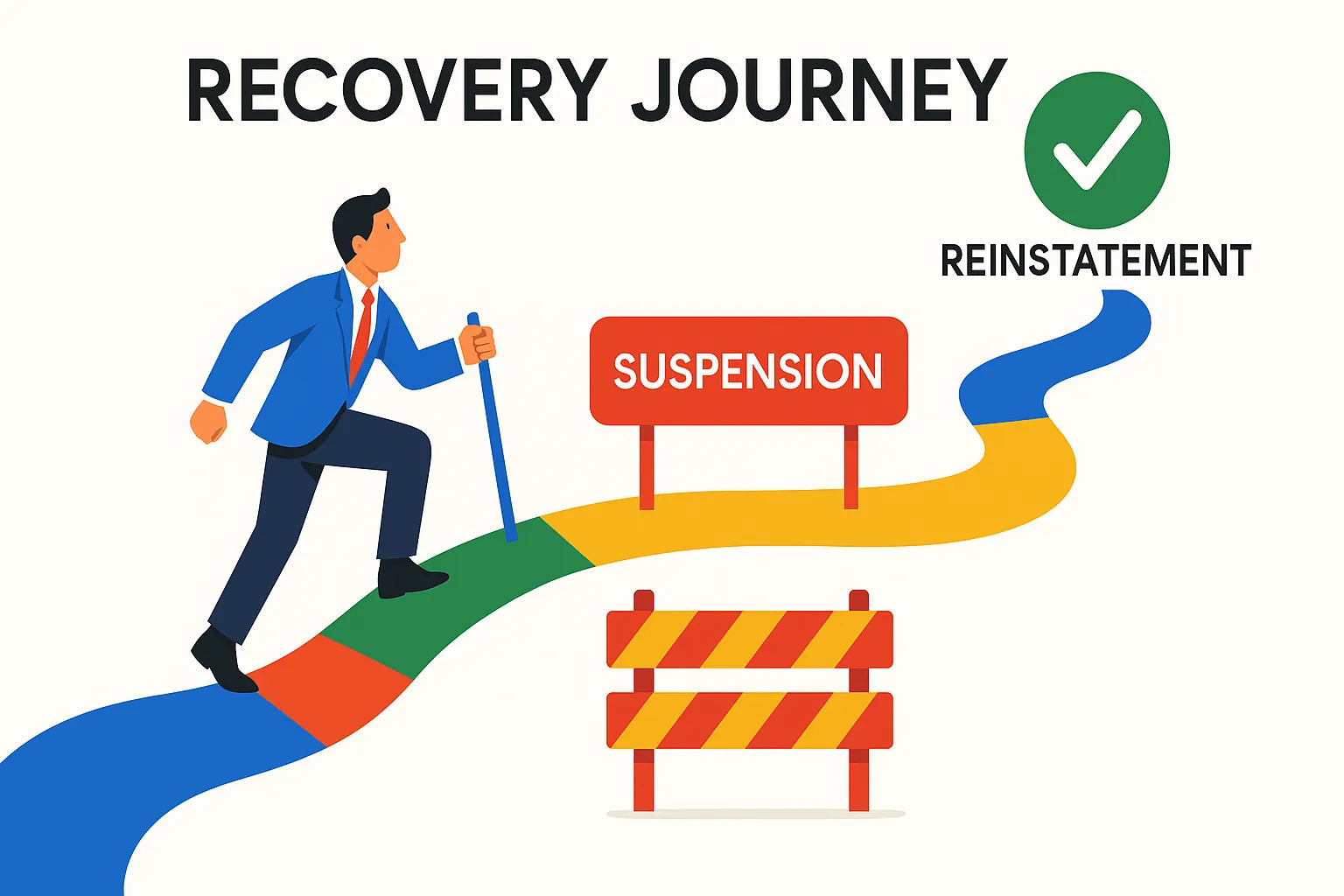
The reinstatement request and the appeal are the same thing: Google's appeals tool at support.google.com/business/?p=manage_appeals. The steps on Google's help page are: open the tool, confirm or switch to the Google account that manages the profile, select the profile, review the violation reason shown, select Submit Appeal, then optionally submit evidence. A hard suspension for "business doesn't exist" or "deceptive content" gets approved on documents, not on a paragraph of explanation.
Evidence that gets a hard suspension approved
Google names four kinds of proof: "official business registration", a "business license", "tax certificates" and "utility bills" for electricity, phone, water or internet. Google's tip on the same page: "For any documents you submit as evidence, check that the business name and address match the profile you want to make an appeal for." Search Engine Journal adds that the upload takes a zipped file "if you have more than two documents". Before you start, put these in one folder:
- Registration or license. The state or national registration, the trade license, or the tax certificate.
- A utility bill under a month old. Addressed to the business at the profile address. A bill in the owner's personal name proves less.
- Photos of the location. Google's verification page lists what a video must show: outside signs or a street sign that confirms the location, products or branded equipment, and access to employee-only areas such as a cash register or storage room. The same three shots, as photos, belong in the evidence.
- A short explanation. Search Engine Journal quotes a 1,000-character limit on the appeal text. State the violation reason Google gave, what was wrong, what you changed, and the date. No complaints about the process.
Open the evidence form only once the folder is ready. Google's rule: "Once you open the evidence form, you must submit it within 60 minutes or it won't be attached to your appeal."
How long reinstatement takes
Google's help page commits to nothing beyond "We'll review your appeal and send you an email with a decision." The guides ranking for this search each quote a different number: Synup says three business days, EmbedSocial quotes a Google Product Expert on Reddit saying three to five days, SOCi says most requests clear within two weeks, and Olly Olly says one to three weeks. Synup and SOCi attribute their number to Google without linking a page, and Google's current help page gives no timeframe at all, so plan for weeks and treat days as luck.
Reinstatement denied: what the second round looks like
A denial email is not the end. Google's page says: "Only if your reinstatement request is denied, we may be able to do an additional review." The request goes through a separate form at support.google.com/business/contact/local_appeals, and it is your one chance to add evidence you didn't have the first time. Do this before anything else:
- Re-read the violation reason. If the first appeal answered a different question from the one Google asked, the additional review needs to address the actual reason.
- Add what was missing. A second utility bill, the lease, a photo of the permanent sign with the street visible, a screenshot of the same name and address on the website and on the registration.
- Ask for help in the community in parallel. The Google Business Profile Help Community is where Product Experts see cases. Post the profile link, the violation reason, and what you submitted. How to get Google support for your Business Profile lists every other route that still works.
- Check the account restrictions page. Google's page links myaccount.google.com/restrictions for a reason: an appeal for a profile can't succeed while the account behind it is restricted.
When to rebuild instead of appealing again
Not before the additional review is denied. Google's fix-suspended page says it directly: "Do not create a new Business Profile for the same business while your appeal is under review." A second profile also breaks the one-profile-per-location rule and hands Google a duplicate to suspend. Rebuilding is for the case where Google tells you in writing that the profile can't be restored. A February 2026 thread on the Local Search Forum quotes exactly that wording from support: "the previous business profile has been removed from Google Maps and Search and cannot be restored." If you reach that point, fix the root cause first, because a new profile is checked against the same rules on day one. Expect to verify again, and if Google asks for video, Google Business Profile video verification shows what the recording has to contain.
Reinstated, but the reviews didn't come back
The ranking guides skip this problem. Google's missing reviews page acknowledges it in one line: "Sometimes reviews might be removed after a Business Profile is reinstated. If this happens, contact support for assistance." The same page says new reviews can take a few days to pass policy checks, so wait a few days before you count.
The February 2026 forum case above shows the worse version. The client's profile was reinstated as a new profile, with around 70 reviews missing, while the old profile link stayed live. The advice from the experienced members in that thread is the checklist you need:
- Don't delete either profile. One reply puts it bluntly: "Deleting the profile will make things worse."
- Give support both links plus the IDs. The old profile link, the new profile link, the CID or Place ID, and "examples of the missing reviews." Without the CID of the old profile, support has nothing to look up.
- Escalate through the Help Community. Product Experts can escalate a documented case to a specialist team; the thread reports a 24 to 48 hour response window once that happened, without a final outcome at the time of writing.
- Know which reviews won't return. Google's page is explicit: reviews "removed for policy violations won't be restored." If a batch of reviews was the reason for the suspension, those are gone by design.
The thing every one of those steps needs is a dated copy of the reviews as they were before the suspension: reviewer names, dates, star ratings and text. Deleted Google reviews: 4 causes and the recovery fix walks through the support case itself, review by review.
Prevent the next suspension: a monthly 10-minute check
Every trigger in the list above is visible in the profile before Google acts on it. One short check a month catches them.
- Name, address and phone in five places. Registration, utility bill, website footer, Facebook page, Business Profile.
- Refresh the evidence folder. Latest utility bill, a new photo of the permanent sign from the street, the current license. Name the files with the date.
- Audit who has access. Remove former staff and agencies. If the owner's Google Account is removed, the profiles it owns go with it, and edits from a restricted manager's account are rejected.
- Save the CID and Place ID. Keep them next to the login email. If the profile is ever replaced, these are what support asks for.
- Log every profile edit. Date, who, what, why. Bulk changes to name, category and address in one session are a trigger named by the guides ranking for this term, and a log tells you which edit preceded the notice.
- Check the review request process against the policy. No incentives, no staff quotas, no "only ask the happy ones" scripts. Google Business Profile spam prevention covers the edits and reviews other people push onto your profile.
What to do next: keep a copy before Google touches your profile again
GLocal: Wiremo's Google Business Profile management software "automatically keeps dated snapshots of your profile and reviews, so you always have a record of what changed and can download any version on demand." You can't create that record after the suspension. When a review disappears, the same tool alerts you, and its Deleted tab can "Generate Recovery Report" with "all important information about the deleted review" for the support case. GLocal does not file appeals or talk to Google for you; it makes sure that when you do, you have the evidence. Plans start at $29.99 a month for one location, with a 30-day money-back guarantee and no free trial.
To rebuild the count after a reinstatement that lost reviews, the Google review request campaigns send a designed email with a star rating to select, a reminder, and a free Google review link and QR code, on a 14-day free trial with no credit card. Keep the campaign inside Google's policy: an invitation to every customer, no discount attached.
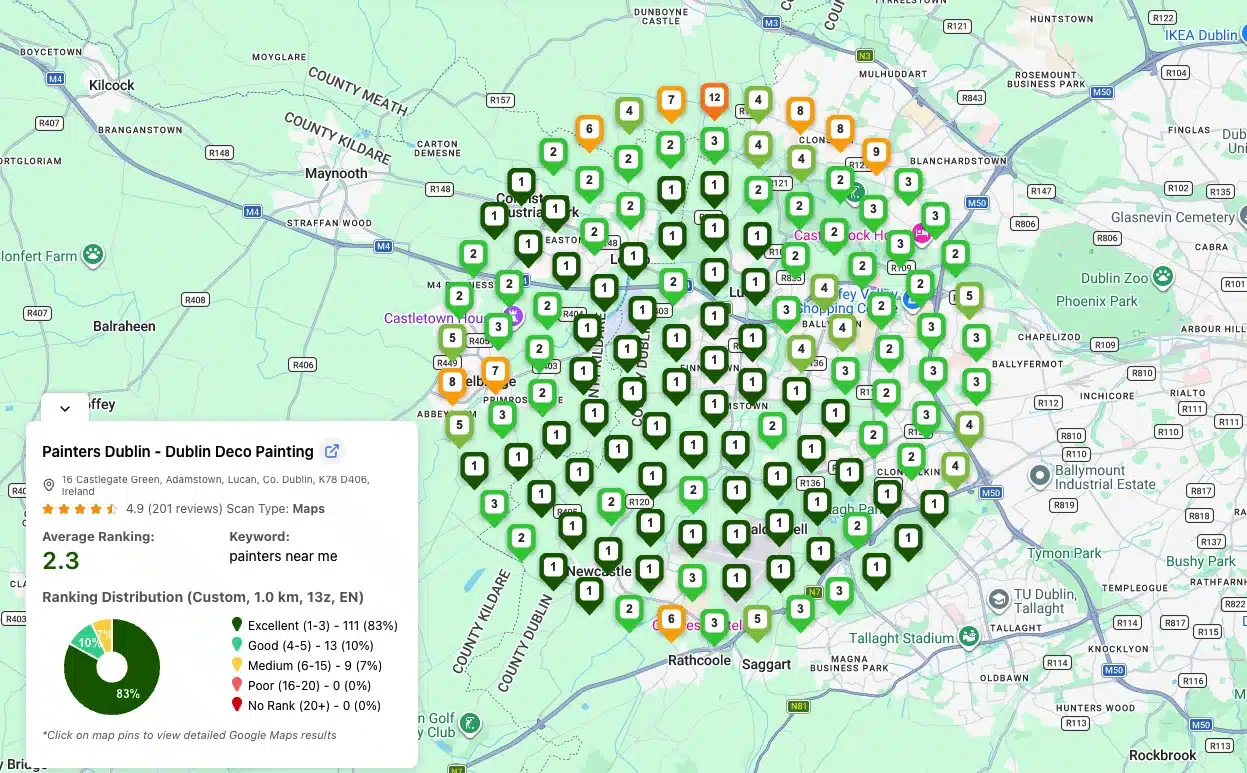
To confirm the profile is actually back on the map, and not only in your dashboard, run a scan with the Google Maps rank tracker. The first scan is free with no account, and the Free plan gives 200 credits a month on grids up to 5x5, enough to check your main keyword across the area weekly while rankings settle.
Reinstated? Check the whole profile before your next edit. The free Google Business Profile audit scores your name, categories, services, hours, attributes, reviews, photos and posts in 32 checks, and flags the Google policy problems that get profiles suspended or edits rejected. Sign in with Google (the audit only reads the profile) and get a graded report in about a minute.
Frequently Asked Questions
How do I unsuspend my Google Business Profile?
Fix the guideline violation first, then open Google's appeals tool, select the profile, submit the appeal and attach evidence (business registration, license, tax certificate or utility bills) within 60 minutes of opening the evidence form. Google emails a decision. If it's a denial, request the additional review through Google's local appeals form with new evidence.
Why would my Google business account get suspended?
A single profile is suspended for breaking the guidelines for representing your business: a keyword-stuffed name, a P.O. box or virtual office address, a service-area business showing its address, duplicate profiles, redirecting phone numbers or URLs, or review behaviour that breaks the content policy. The whole account is restricted when Google sees "a pattern of violating Google Business Profile policies", and then every profile in it is suspended at once.
Why is my Google Business Profile suspended due to suspicious activity?
Google's restrictions page ties this kind of notice to the account rather than the listing: a pattern of policy violations, or a restriction on another Google product connected to the same account, suspends the profiles under it. Check myaccount.google.com/restrictions, starting with the owner's account (a manager's restriction only gets that manager's edits rejected), and review recent bulk edits and review activity before you appeal.
How long does a Google suspension last?
Until an appeal is approved. Google's help page states no timeframe for the decision, only that it will email one. The guides ranking for this search quote anything from three business days to three weeks, and none links a Google page that states it. The nearest official number is for verification reviews, which take up to 5 business days.
Can I create a new profile instead of appealing?
Not while the suspended one exists. Google's fix-suspended page says: "Do not create a new Business Profile for the same business while your appeal is under review." Its guidelines also forbid more than one profile per location, so a new profile is a duplicate and gets suspended for the same reasons. Rebuild only after the additional review is denied and Google confirms the old profile can't be restored, and fix the root cause before you create anything.
Will my reviews come back after reinstatement?
Not always. Google's missing reviews page says reviews may be removed after reinstatement and tells you to contact support. Reviews removed for policy violations are not restored. If the profile came back as a new record, give support the old link, the new link, the CID or Place ID and examples of the missing reviews, and don't delete either profile.