You get more Google reviews by asking every customer, within hours of the sale, with a link that opens the review form in one tap. Most people say yes: in BrightLocal's Local Consumer Review Survey 2026, 78% of consumers were asked to leave a review in the past year and 83% of those asked went on to write one. The businesses that stay short on reviews are usually the ones that don't ask, ask too late, or make the customer hunt for the form.
Below are nine ways to get more Google reviews, each with a ready-to-use ask, plus the two rules from Google's review policy that decide whether the reviews stay up.
How to get more Google reviews: the short answer
Four things move the number. Do them in this order.
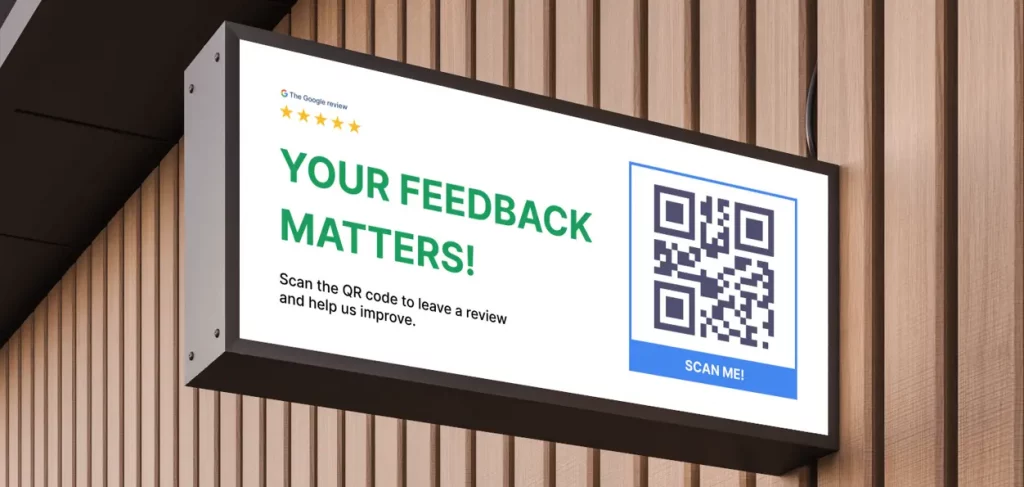
- Get a direct review link. Google gives your Business Profile a link and a QR code that open the star-and-comment form directly. Every extra tap between your ask and that form loses customers.
- Ask right after the experience. Same day, ideally within the hour. The customer still remembers the details and still has the receipt or the email open.
- Ask through the channel they already used. Email customers by email, walk-in customers with a card or a QR code at the counter, phone customers by SMS.
- Reply to every review. In the same BrightLocal survey, 80% of consumers say they're likely to use a business that responds to all of its reviews, and 81% expect a reply within a week.
Two things never move the number in your favour: paying for reviews and asking only the customers you expect to be happy. Both break Google's policy, and since 2024 both are also covered by a federal rule in the US. Section 8 has the exact wording.
1. Get your Google review link and QR code
Google's own instructions on creating a review link or QR code take three steps: open your Business Profile, select Read reviews, then Get more reviews. Copy the link, or right-click the QR code and save the image. The same page notes that the QR code is only generated in a computer browser, not on a phone.
What you get is a bare link and a plain black-and-white square. That's fine for an email. It's not something you can put on a counter. The free Google review QR code generator resolves your profile by name, pairs the code with a short link and emails you a print-ready PNG on a business card, table sticker, poster, door decal or receipt block, with no signup and no watermark.
If your link looks different from a colleague's, or you manage several locations, the formats and the fixes are in how to get your Google review link and share it.
Tip: Test the link in a private browser window before you print anything. It should show your business name with a prompt to sign in and rate. If it opens your profile page instead, you copied the profile URL, not the review link.
2. Ask within hours, not days
The best moment to ask is the one where the customer has just said something positive: the job is finished, the order arrived, the table is cleared. In BrightLocal's 2026 survey, 28% of people say they will "always" write a review if asked. Those are the customers you lose when the request lands a week later and the experience has blurred.
A workable rule per business type:
| Business | Ask when | Best channel |
|---|---|---|
| Restaurant, cafe, salon | At the bill, before they leave | QR card or table sticker |
| Home services, trades | Same day, once the invoice is sent | SMS with the link |
| Clinics, dentists, lawyers | Evening of the appointment | Email from the practice |
| Online store, delivery | 1 to 2 days after delivery | Email, plus a card in the parcel |
| Agencies, B2B services | After the first delivered result | Personal email from the account lead |
One limit from Google's Maps content policy (linked in full in section 8): you may not require customers to leave a review while on the premises, and you may not ask for specific content in it. Hand over the card, say the line, let them do it on their own phone at their own pace.
Timing by trigger (first purchase, second purchase, support ticket closed) is covered in Google review automation: 7 triggers that win, so it isn't repeated here.
3. Send an email request
An email works when the customer already deals with you by email: online orders, appointments, quotes, invoices. Keep it under 80 words, one link, no attachments, sent from a named person rather than "noreply".
Subject: How did we do, [first name]?
Hi [first name],
Thanks for choosing [business] on [date]. If you have 60 seconds, a Google review helps other people in [town] decide whether we're the right fit, and it tells us what to keep doing.
Leave a review here: [review link]
Honest feedback is what we're after, so say what you'd tell a friend.
[Your name], [business]
What's deliberately missing: any discount, draw or gift. Google's help page on getting more reviews states that offering incentives "in exchange for customers to post reviews, change reviews, or remove negative reviews is considered fake & misleading content and is strictly prohibited." A "10% off your next visit" line in a review email is the fastest way to get every review from that campaign removed.
4. Send an SMS request
For walk-in and field customers, a text lands where they are. Keep it to two sentences and the link, and send it from a number the customer has already seen (the booking confirmation, the "on my way" message).
Hi [first name], it's [name] from [business]. Thanks for today. If you've got a minute, a quick Google review helps us a lot: [review link]. Reply STOP to opt out.
Send one, not a series. A single reminder 3 days later is reasonable if there was no click. Send at most two. Copy the wording for email, text, WhatsApp and reminders from our Google review request templates.
5. Ask in person with a script
The ask staff make at the end of a good interaction is the one that costs nothing, and it fails when they improvise. Give them one line and one prop.
- The line. "Glad that worked out. If you've got a moment later, we'd love a Google review, honest is best. This card takes you straight to the form."
- The prop. A business-card sized QR card from the generator above, or an NFC card that opens the same link with a tap. Which to use, and where to place them, is in how to get more Google reviews using NFC cards.
- The follow-through. If the customer says "sure, later", send the email or SMS from sections 3 and 4 that same evening so the link is in their pocket.
- The one thing not to do. Don't stand there while they type. Google's policy says you can't require a review on the premises.
6. Put the QR code where customers wait
A printed code works because it catches the customer at the moment they have nothing to do: at the till, at the table waiting for the bill, in the waiting room, in the parcel they just opened. Google's guidance on getting more reviews says to ask customers to "visit a Google link or scan a QR code".
- Counter and reception. A portrait "How was your experience?" sign at eye level where people stand with a phone in hand.
- Tables. A small sticker or tent card. Guests scan it while they wait to pay.
- Receipts and invoices. A square block with the code, for businesses with no counter to put a sign on.
- Parcels and takeaway bags. A slim insert, so delivery and online customers get asked too.
- Email signature and website footer. The short link, not the QR, with a five-word ask: "Happy with us? Review us on Google."
Reprint the code if your link ever changes.
7. Reply to every review, fast
Replies do two jobs. They show the next customer that someone is reading. Google's help page on replying to reviews says you must verify the business before you can reply, that the reply is posted publicly under the review, and that replies usually take up to 10 minutes to go live but can take up to 30 days if Google holds one for checking.
How fast is fast enough? From the BrightLocal 2026 survey: 19% of consumers expect a response the same day, 32% by the next day, and 81% within a week. A weekly reply session on Friday afternoon meets the 81%; a daily 10-minute check meets nearly everyone.
Reply to the good ones in two sentences: thank them by name, mention the specific thing they praised. For the bad ones, use the five reply patterns in how to respond to negative Google reviews. Google's guidance on getting more reviews also makes a point owners tend to miss: "a mix of positive and negative feedback often feels more trustworthy".
8. Ask every customer, not only the happy ones
Two rule sets decide whether the reviews you collect stay up.
Google's policy. The Maps user-generated content policy lists, as prohibited, reviews "that have been paid for, directly or in kind", offering "payment, discounts, free goods and/or services" in exchange for a review, and any attempt to "discourage or prohibit negative reviews, or selectively solicit positive reviews from customers". It also bans reviews based on a conflict of interest, which covers current or former employees and contractors.
The FTC rule. On 14 August 2024 the US Federal Trade Commission announced a final rule that bans creating, buying or selling fake reviews, bans "compensation or other incentives conditioned on the writing of consumer reviews expressing a particular sentiment, either positive or negative", bans using legal threats or intimidation to remove negative reviews, and lets the FTC seek civil penalties against knowing violators.
In practice that means:
- Same ask for everyone. Every customer gets the same request, in the same words, with the same link.
- No rewards of any kind. Not for a review, not for a 5-star review, not for removing one.
- No cherry-picking. Sending the Google link only to customers who already told you they were happy is the "selectively solicit positive reviews" Google prohibits.
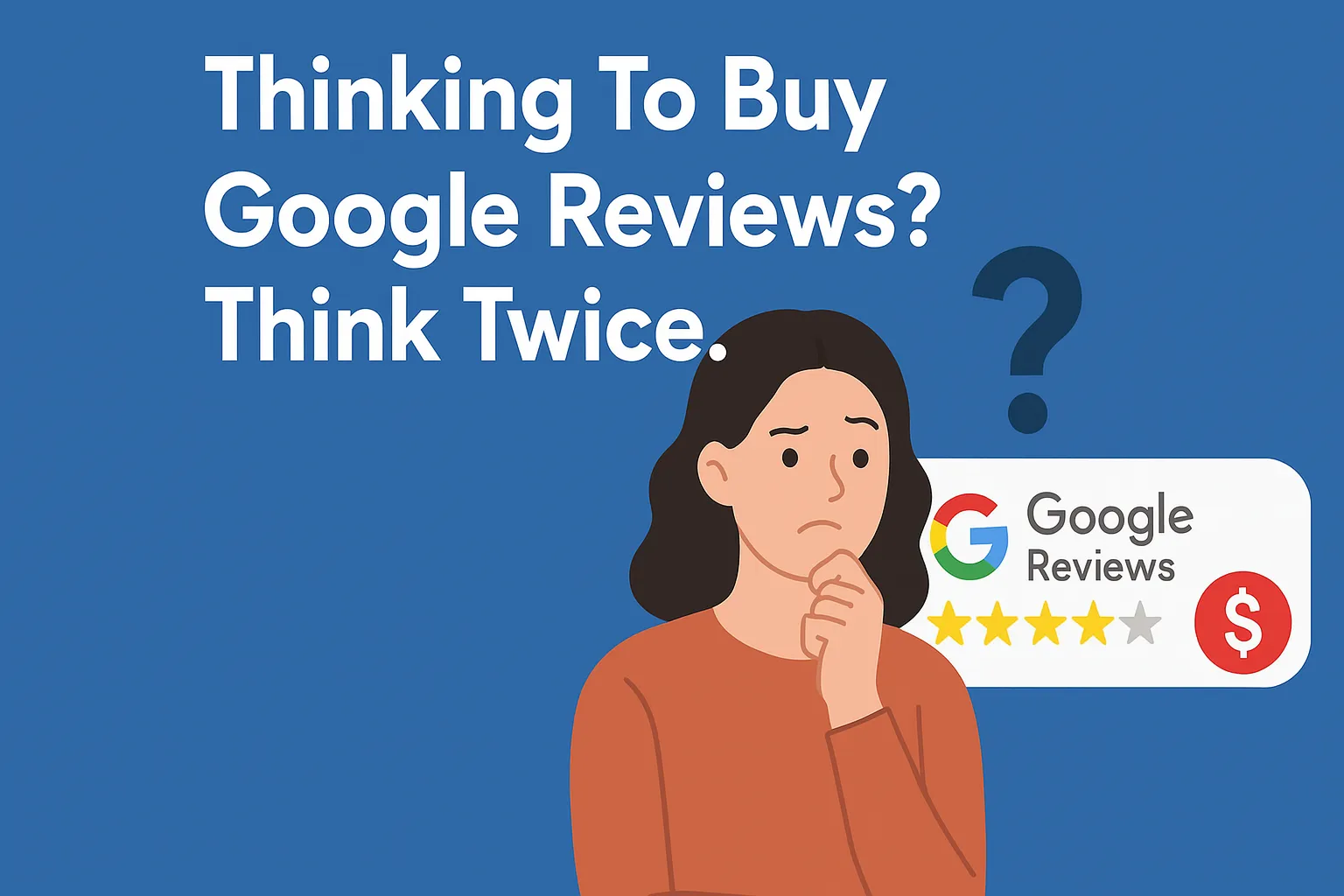
- No buying. The removals, the profile risk and the legal exposure are laid out in buy Google reviews? The legal risks explained.
9. Set a review target from your rating math
"More reviews" isn't a target. "38 five-star reviews by the end of the quarter" is. Your Google rating is the plain average of every star you've received, so the number you need is arithmetic, and the free Google review star calculator works it out from your live rating and review count.
Three figures from that page show why the ask has to be constant rather than occasional:
- Climbing gets harder near the top. With 100 reviews, going from 3.0 to 4.0 takes 100 new 5-star reviews; going from 4.5 to 4.7 takes about 67.
- One bad review costs more the higher you are. At a 4.5 average it takes 7 new 5-star reviews to get back to 4.5 after a single 1-star review. At 4.8 it takes 19.
- Every figure assumes all new reviews are 5 stars. A realistic mix of 4s and 5s takes more, so the calculator's number is a floor, not a forecast.
Divide the number by the weeks you have, and you know how many asks a week the team owes. That's a target a receptionist can hit.
What to do next: automate the asking
Everything above works by hand for a business with 20 customers a week. Past that, the asks get skipped on busy days, the reminders never go out and nobody knows which campaign produced which review. That's the part to automate.
GLocal: the Google review management tool sends a review request by email automatically after each customer interaction, on a schedule you control, and builds a follow-up sequence that stops the moment the customer leaves a Google review. You import your customer list by CSV, personalise the subject, message, logo and call to action, and see open and response metrics per campaign. Email sequences are live today, with SMS coming soon.
On feedback, the product page describes it this way: GLocal asks each customer for feedback first, points happy customers to Google, and gives unhappy ones a private way to reach you. Every feedback page still keeps a “Review us on Google” button in view, so any customer can post a public review in one click. You're always in control of how you use filtering. Because rating-based filtering can conflict with Google's review policies and consumer-review rules like the FTC's, many businesses use GLocal simply to ask every customer for a review and to catch problems early.
The same dashboard pulls every Google review into one inbox, filters by rating, sentiment or unreplied, and generates on-brand replies with control over tone, language and length, so section 7 takes minutes instead of an afternoon. It's part of the wider Google Business Profile management software, where plans start at $29.99 a month with a 30-day money-back guarantee. If you'd rather start with a one-off campaign, the review request campaigns page shows how a segmented email campaign with a star rating in the email works.
Frequently Asked Questions
What is the fastest way to get more Google reviews?
Ask every customer the same day, with a direct review link or QR code that opens the form in one tap. In BrightLocal's 2026 survey, 83% of people who were asked went on to leave a review, so the speed comes from asking consistently, not from any trick. Email and SMS requests sent within hours of the sale, plus a QR card at the point of payment, cover most businesses.
How do you get 1,000 Google reviews?
By making the ask automatic. Even at the 83% response BrightLocal measured, 1,000 reviews means about 1,200 asks, which no team does by hand. Connect the request to the transaction (invoice sent, order delivered, appointment completed), send one reminder, and reply to every review so the profile keeps looking managed. Then run the numbers through the star calculator so the target per week is concrete.
Is it legal to buy Google reviews?
No. Google's Maps content policy prohibits reviews that have been paid for, directly or in kind, and removes them. In the US, the FTC's final rule announced on 14 August 2024 bans creating, buying or selling fake reviews and lets the agency seek civil penalties against knowing violators.
Can I offer a discount for a Google review?
No. Google's help page on getting more reviews says offering incentives such as free or discounted goods or services in exchange for posting, changing or removing reviews is considered fake and misleading content and is strictly prohibited. The FTC rule adds that any incentive conditioned on a review expressing a particular sentiment is banned. You can thank a customer after a review; you can't trade for one.
Can customers leave a Google review without a Gmail address?
Yes. Google's help page on getting reviews says customers must be signed in to a Google Account, and that they can set one up with a non-Gmail email address. If a customer gets stuck, the step-by-step for phone and desktop is in how to leave a Google review.
How many 5-star reviews do I need to raise my rating?
It depends on how many reviews you already have. Per the star calculator's worked examples, a business with 100 reviews at 4.2 needs 60 new 5-star reviews to reach 4.5; with 50 reviews it needs 30, with 500 it needs 300. The calculator pulls your live rating and count from Google and returns the exact number for your target.