blog

Insights and tips for the review community

Local rank tracker grid draw mode map interface
blogApril 6th, 2026

10 Best Local Rank Tracker Tools (2026): Tested And Compared

If you're trying to grow your local business visibility, knowing where you rank on Google Maps is not optional. It's the starting point for every smart local SEO decision you make.

The problem? Most business owners and agencies have no idea where they actually rank across different neighborhoods, zip codes, or cities. A business might show up at position 1 in one part of town and completely disappear two miles away. Without the best local rank tracker, you're flying blind.

In this guide, we tested and compared the 10 best local rank tracker tools available in 2026, covering accuracy, pricing, key features, and which type of business each tool is best suited for. Read more →
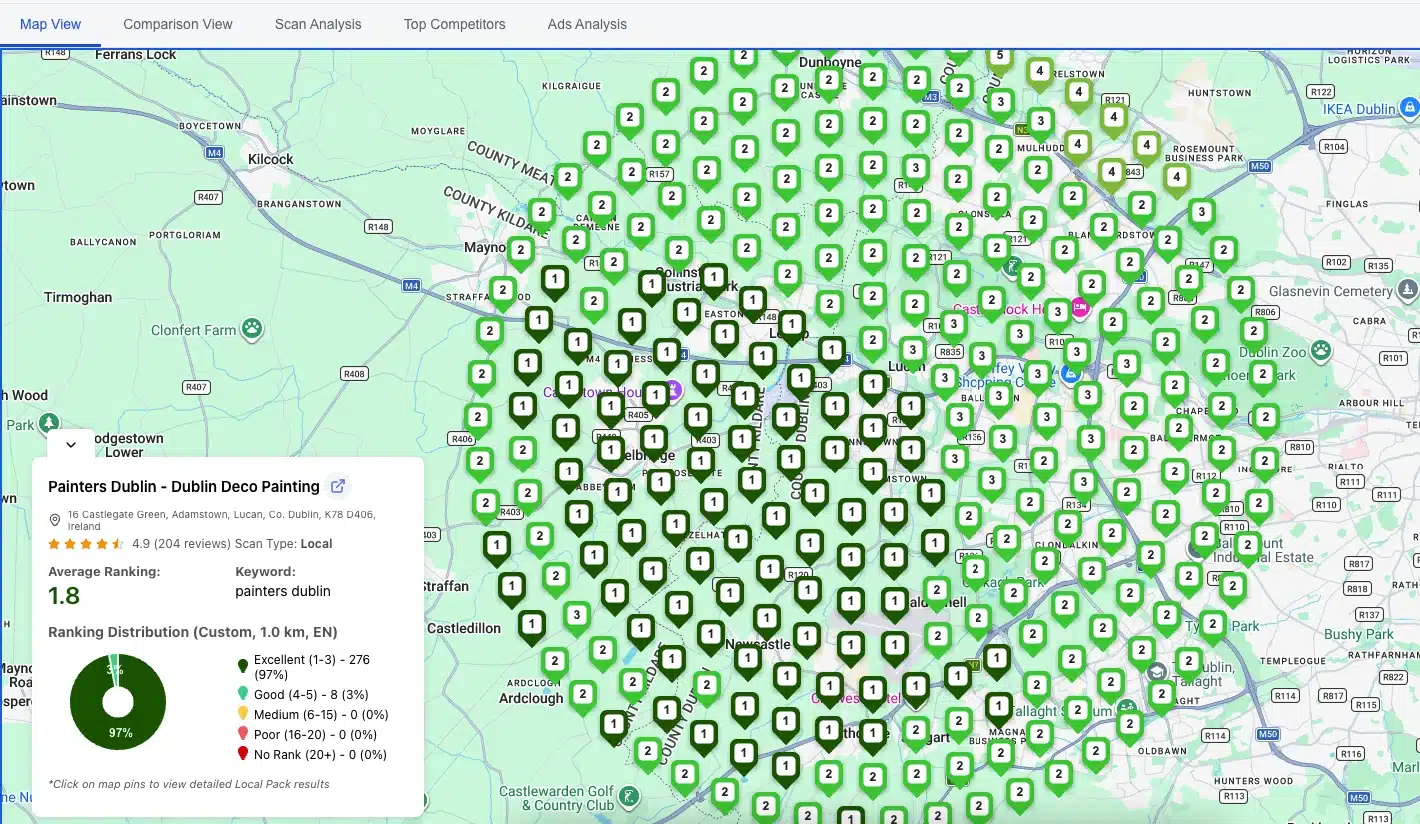
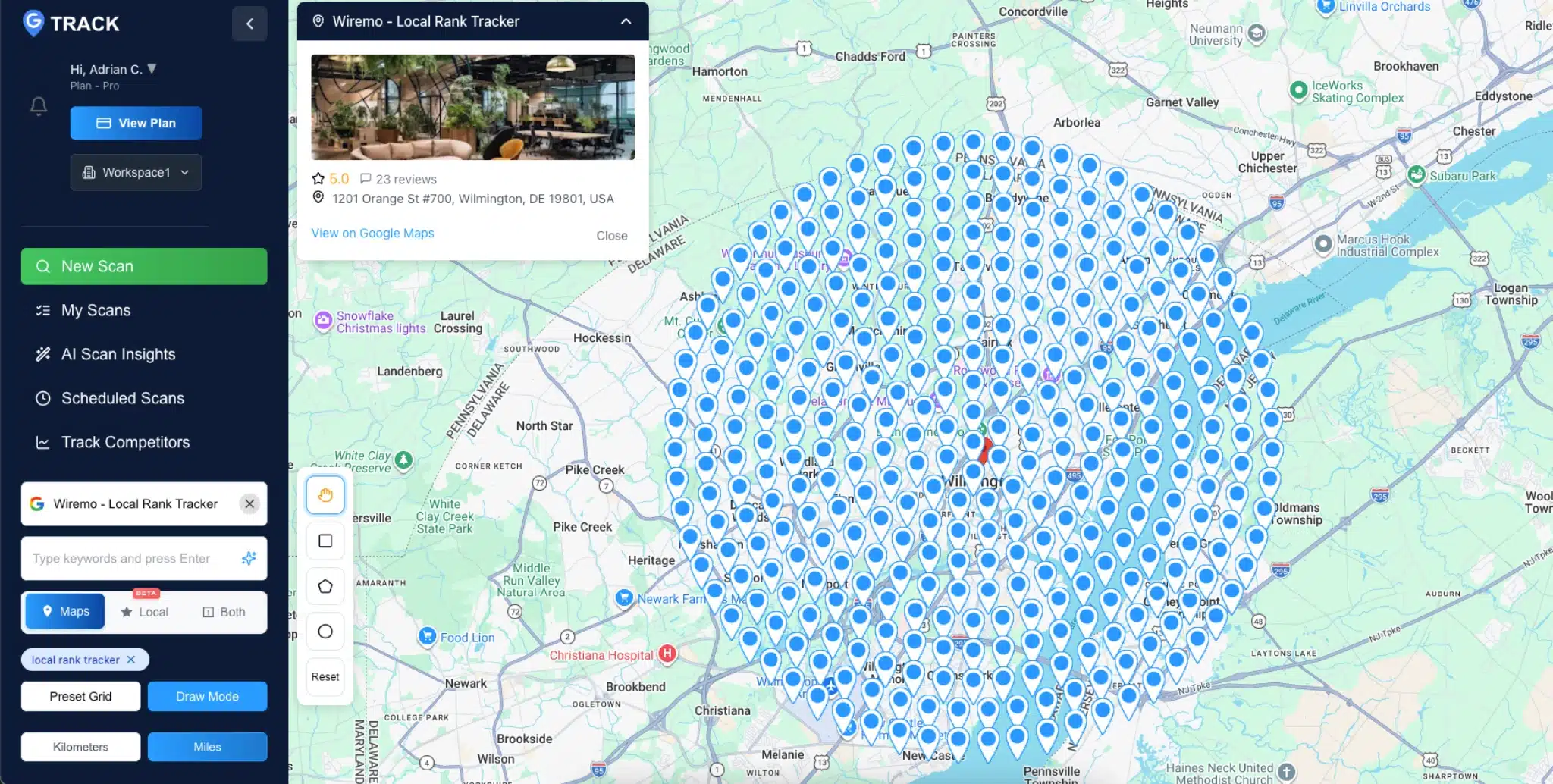
Google Maps rank checker geo-grid heatmap showing local business rankings across a service area
blogApril 6th, 2026

The Best Google Maps Rank Checker Tools, Compared (2026)

A Google Maps rank checker shows where your business appears in Maps results when someone searches your target keyword from a specific location. Most tools display this as a geo-grid: a grid of pins spread across your service area, with your ranking position at each point.

That grid matters because your Maps rank isn't a single number. You might sit at position 1 two blocks from your storefront and fall to position 18 a mile west. A one-location check won't reveal that. This post covers the four tools worth considering, a side-by-side pricing table, and a step-by-step walkthrough for running your first scan. Read more →

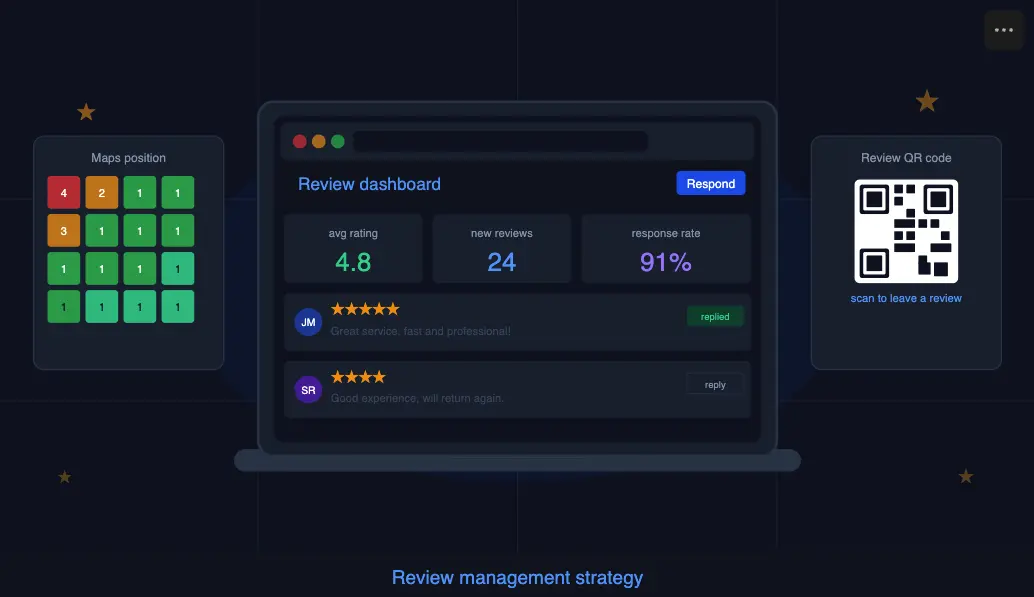
Review management strategy dashboard showing customer list and review request tracking
blogMarch 31st, 2026

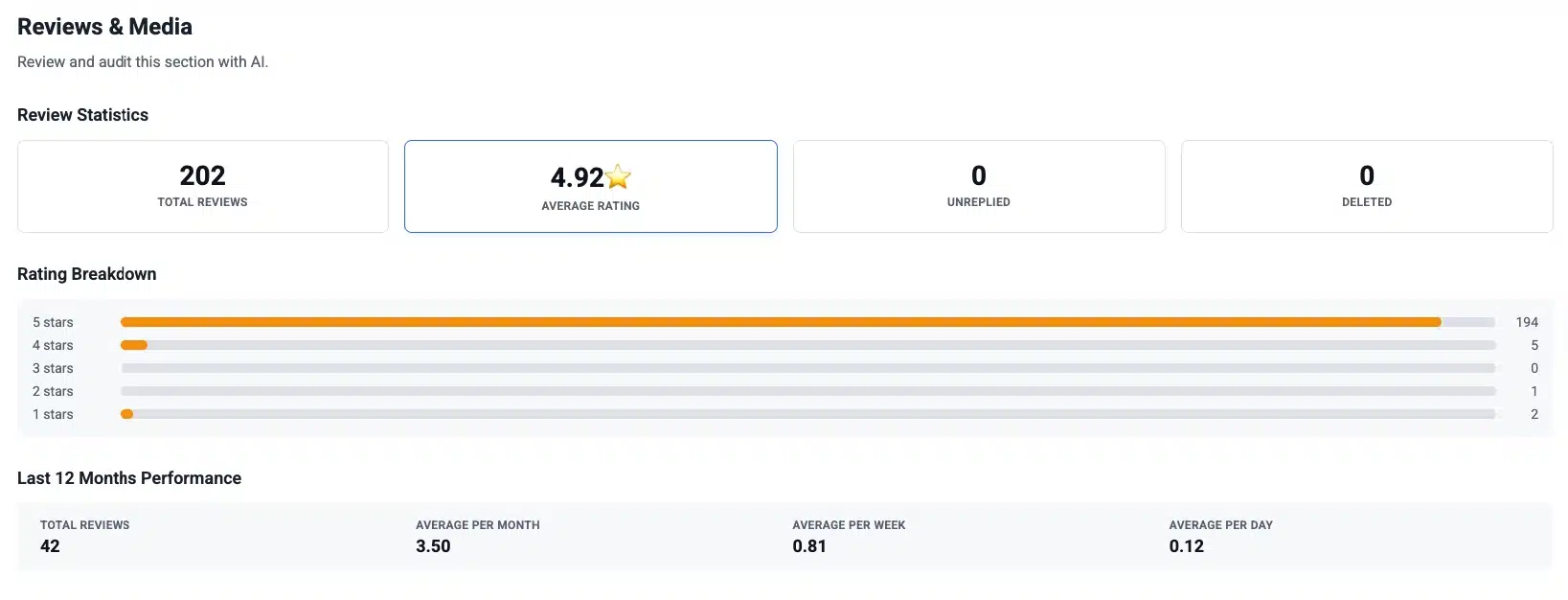
Review Management Strategy for Local Businesses

If you run a local business and you're not actively managing your reviews, you're handing customers to whoever is. That's not an exaggeration. Review signals account for roughly 16% of the weight Google uses to decide which businesses show up in the local pack, putting them on par with citations and directly behind your Google Business Profile signals. The gap between a business with 40 reviews and one with 180 isn't a matter of luck. It's a strategy.

This guide gives you a complete review management strategy: how to collect reviews consistently, how to respond in a way that actually converts readers, and how to measure whether any of it is improving your Google Maps position.
Read more →

Google review link example showing how to collect customer reviews using QR code and mobile interface
blogMarch 25th, 2026

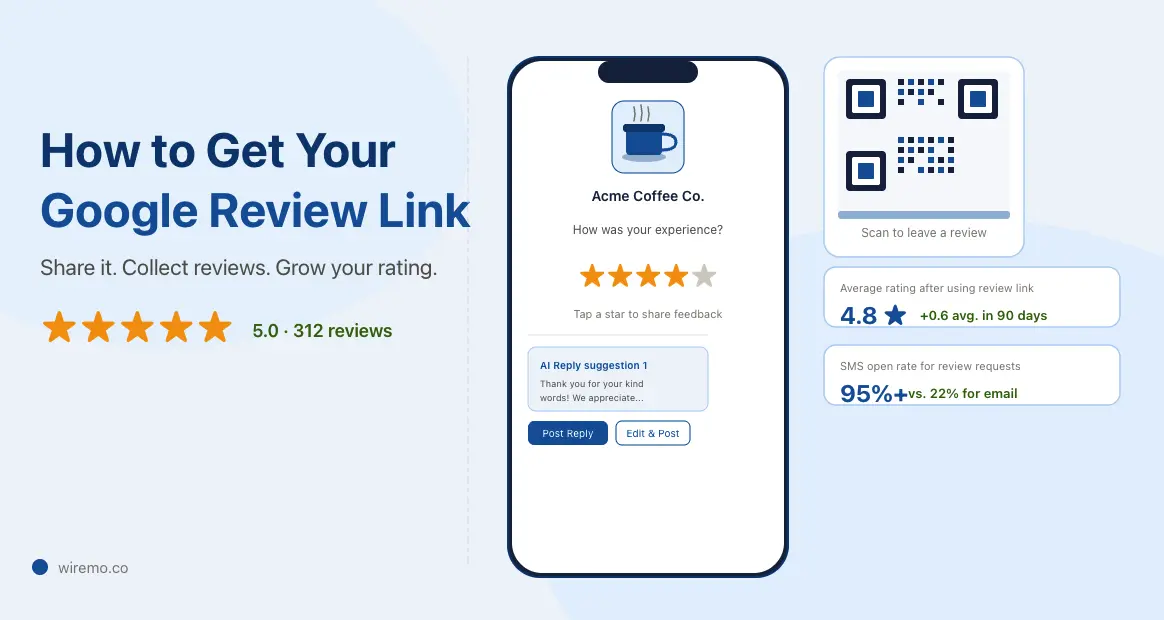
Google Review Link: How to Get It, Shorten It, And Share It (2026)

Your Google review link is a direct URL that opens the review form on your Google Business Profile. Customers click it and land straight on the "Write a review" box, no searching required. That one extra step you remove, finding your business on Google Maps, is exactly where most customers drop off.

Below you'll find how to get that link in under a minute, how to turn it into a short link and a QR code, the best places to share it, and what actually moves the needle on review volume.

Bottom Line: Your Google review link lives inside your Google Business Profile dashboard. You can grab it in under 60 seconds. The real work is turning it into something shareable and getting it in front of customers at the right moment.

Read more →

how to get a Google review removed
blogMarch 25th, 2026

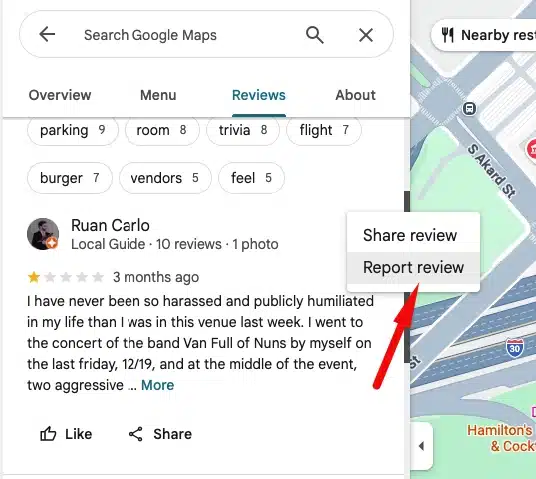
How to Get a Google Review Removed: The Complete Process

How to get a Google review removed: the full process

Getting a Google review removed takes more than clicking a report button. Only Google can delete a review, and only when it breaks a specific content policy. Most businesses give up too early because they don't know what comes after the first rejection.

This guide covers the complete path: from your first report, through an appeal, all the way to the final escalation option that very few businesses ever reach. Figure out where you are in the process and pick up from there.

Important: Google does not remove reviews simply because they are negative or unfair. A review must violate a specific policy to be eligible for removal. Before reporting anything, make sure you have a real policy violation to point to, or your request will be declined.

Read more →

Online Reputation Management for Local Businesses
blogMarch 24th, 2026

Online Reputation Management for Local Businesses (2026)

Why Your Google Reviews Are a Business Asset, Not Just a Feedback Box

Online reputation management for local businesses is one of those topics that sounds more complicated than it needs to be. In practice, it comes down to one thing: controlling what people see and decide when they search for you on Google before they ever make contact.

Most local businesses treat their reviews the way they treat their fire extinguisher: important in theory, ignored in practice, noticed only when something goes wrong.

That's a problem, because your Google reviews are not passive feedback. They determine whether new customers call you or your competitor. They signal to Google how prominent your business is, which directly affects where you appear in local search results. And they create a first impression before a single person walks through your door.

This guide covers what online reputation management actually involves for a local business, what the data says about its impact on rankings, and how to build a system that keeps your reputation working for you without consuming your day. Read more →

Google Business Profile Posts
blogMarch 23rd, 2026

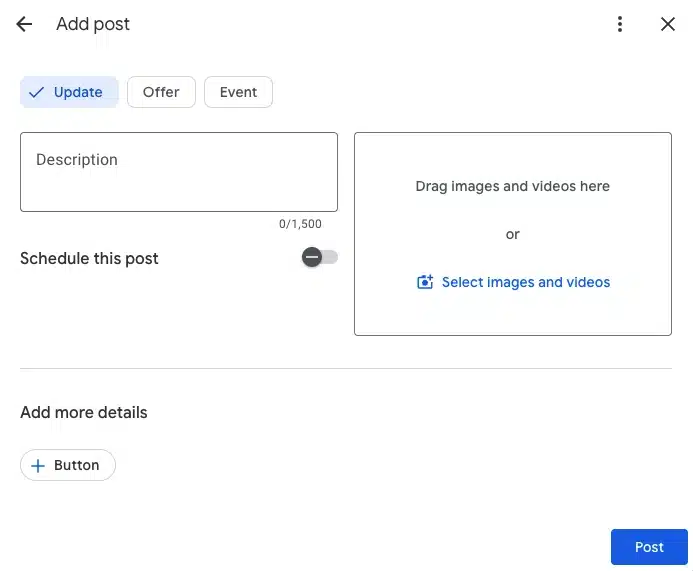
Google Business Profile Posts: Best Practices for 2026 (Straight From Google's Product Team)

Every day, millions of people open Google looking for somewhere to go, something to eat, or someone to call. They're not browsing. They're deciding. And what often tips that decision is whether your business looks active right now.

Google Business Profile Posts put you in front of them at that moment. A post about tonight's happy hour. A post about the World Cup tour package still available this weekend. A post with a first-visit discount that answers the exact question someone just typed in.

The best practices in this guide come directly from Google's product team, including the product manager who built the updated post tool, plus the new scheduling and recurring post features that launched in late 2025. Read more →

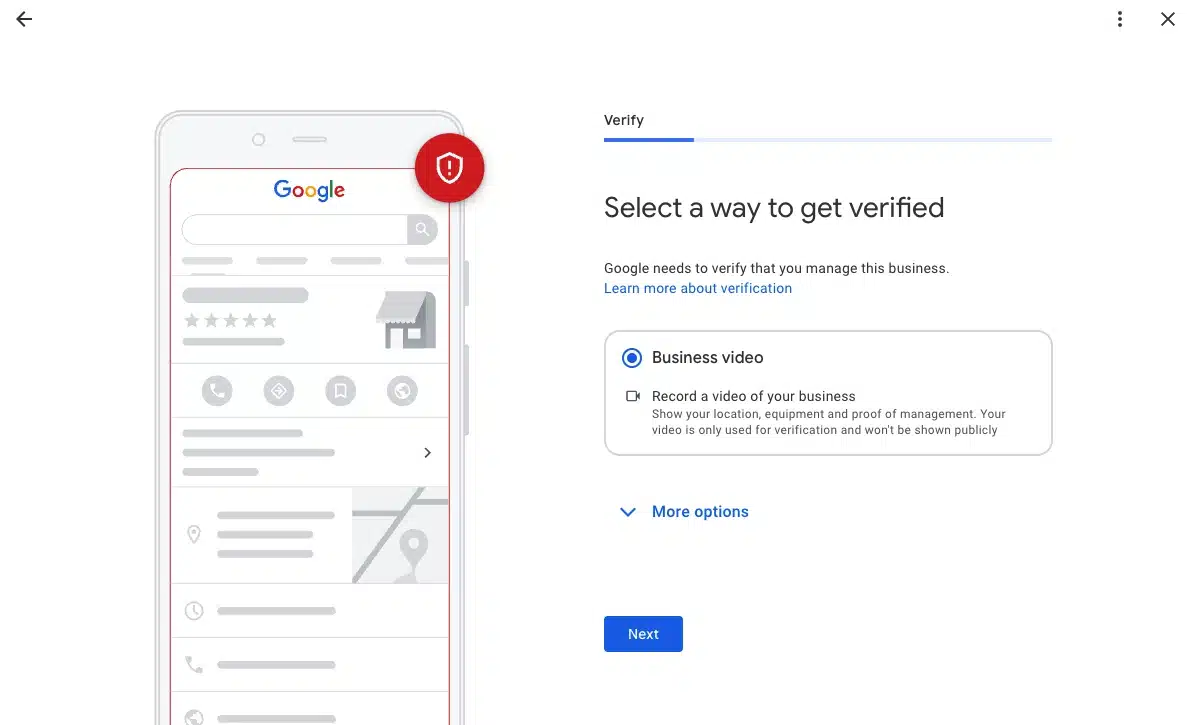
Google Business Profile select verification method with business video
blogMarch 23rd, 2026

How to Pass Google Business Profile Video Verification on Your First Try (2026 Checklist)

How to Record and Upload Your Google Business Profile Video Verification

You must use the Google Maps app on your mobile device, logged into the same Google account that manages the Business Profile. Desktop and pre-recorded uploads are not accepted.

  1. Open Google Maps on your phone. Do not use a browser or Google Search. The recording option only appears inside the Google Maps app.
  2. Tap "Get verified" on your Business Profile. Find your profile inside the app, then tap the "Get verified" button.
  3. Select "Business video" then tap "Next". If both phone code and business video options appear, choose Business video.
  4. Read the requirements, then tap "Next" again. Allow access to your location, camera, and microphone when prompted.
  5. Position yourself outside before you tap "Start recording". Be physically outside your business address before you begin. Once you start, you cannot pause or cut the recording.
  6. Walk through your verification route in one continuous take. Follow the 9-step filming checklist below without stopping. Target 60 to 90 seconds total.
  7. Review the footage, then tap "Upload video". Watch it back before submitting. If anything is unclear or missing, tap "Try again" to re-record.
  8. Stay on a stable network during the upload. If your phone switches between Wi-Fi and mobile data mid-upload, Google may read the video as discontinuous and reject it. Switch fully to mobile data if your office Wi-Fi is patchy.

Timing: Google recommends most successful videos are 1 to 2 minutes long. Under 30 seconds will fail for insufficient coverage. Over 2 minutes can cause upload errors. After submission, review takes up to 5 business days.

Read more →

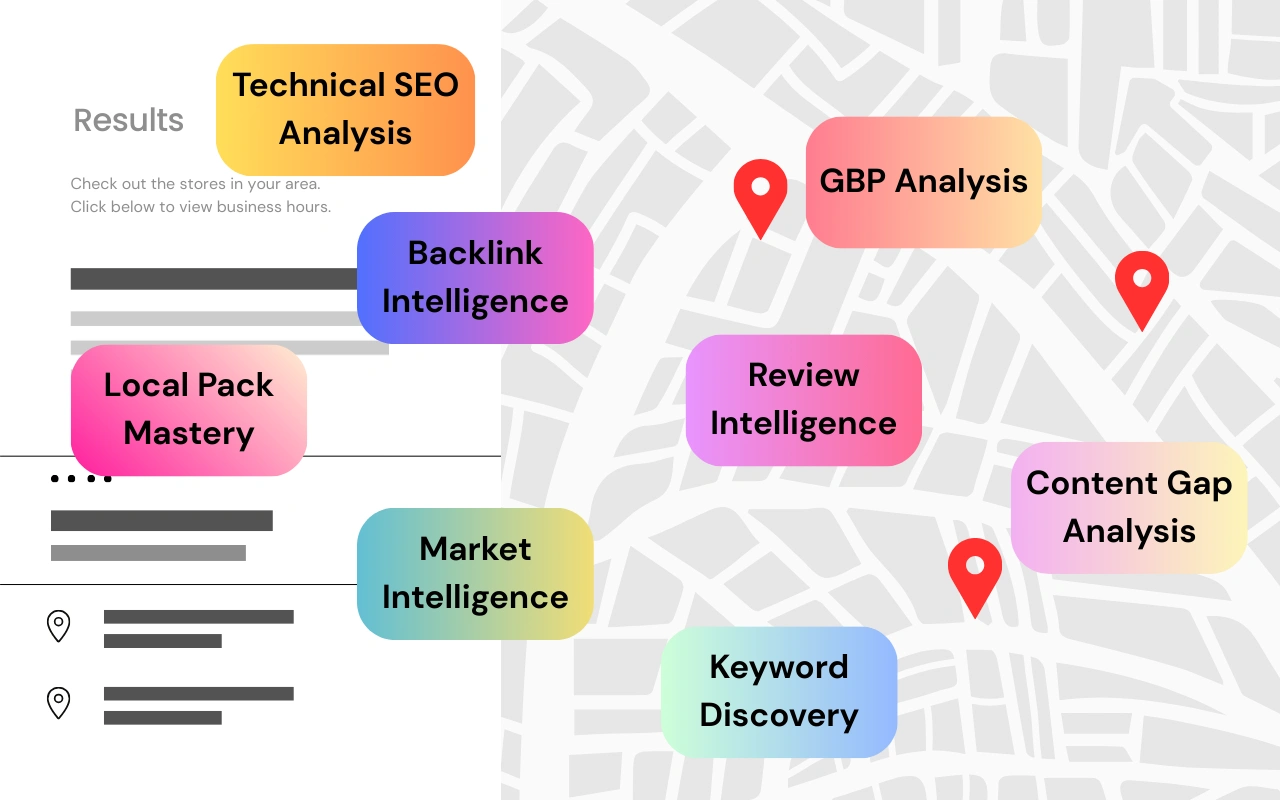
Map-style layout of local SEO competitor analysis elements like backlinks, reviews, and keywords
blogSeptember 12th, 2025

How to Do Competitor Analysis for Local SEO (The Smart Way)

TL;DR: Master Local SEO Competitor Intelligence

  • Market Intelligence: 73% of local businesses that analyze competitors outperform those that don't by 40%+ in local rankings
  • Keyword Discovery: Competitor analysis reveals 60%+ more keyword opportunities than solo research methods
  • Content Gaps: 85% of local ranking improvements come from identifying and filling competitor content gaps
  • Review Intelligence: Businesses that study competitor reviews see 40% faster reputation growth and customer acquisition
  • Local Pack Mastery: Understanding competitor visibility patterns doubles your ranking chances in local search
  • ROI Impact: Strategic competitor analysis takes 4-6 hours monthly, but increases qualified leads by 35-50%

Read more →

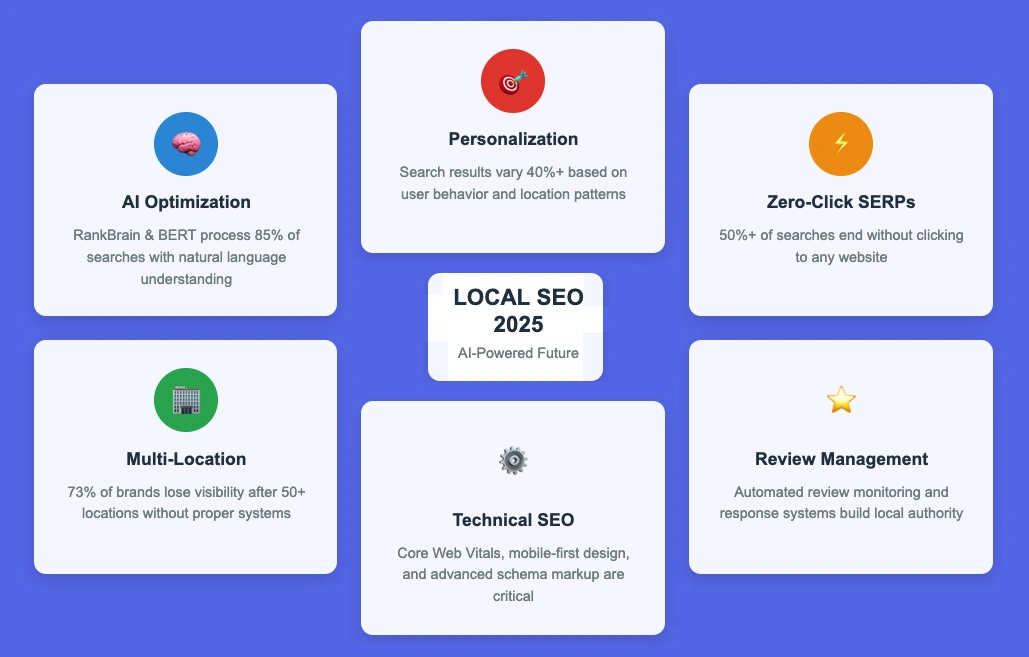
Visual summary of the AI-powered future of local SEO trends for 2025
blogSeptember 11th, 2025

Local SEO Trends: AI, Personalization & Zero-Click SERPs

TL;DR: Key Insights on the Local SEO Trends

  • AI Impact: 85% of local searches now use natural language processing for better intent understanding
  • Personalization Power: Search results vary by 40%+ based on user behavior and location patterns
  • Zero-Click Reality: Over 50% of searches end without clicking to any website
  • Multi-Location Challenge: 73% of multi-location brands lose visibility after 50+ locations without proper systems
  • Automation Impact: Proper automation reduces manual work by 80% while improving local relevance
  • Future Timeline: Most businesses see a 25% performance improvement within 6-12 months of implementing these strategies

Read more →

More Blog posts