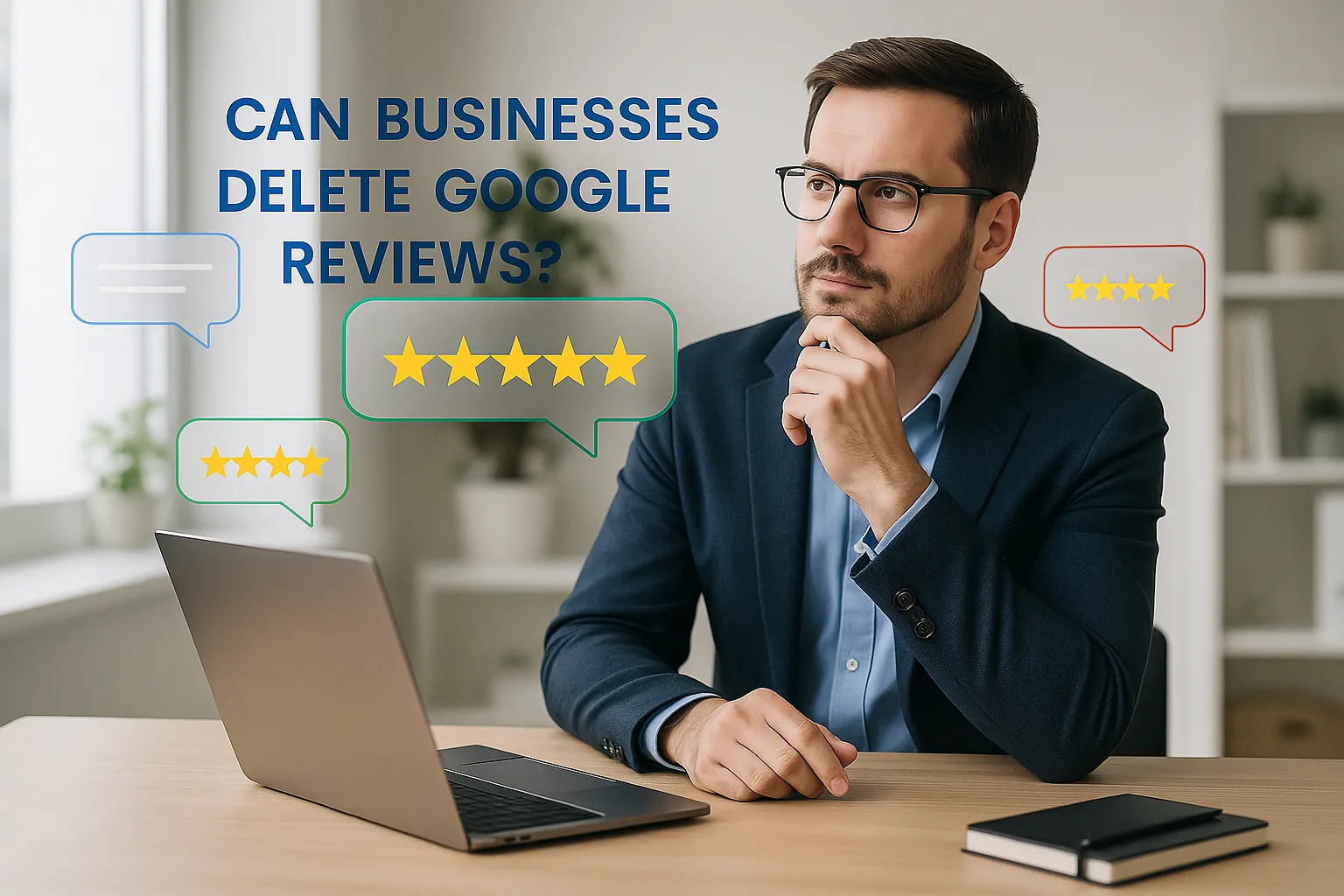
🌟 Can Businesses Delete Google Reviews? Let's Break It Down
Everything you need to know about managing your online reputation
In today's digital landscape, online reviews can make or break a business. Google reviews, in particular, heavily influence customer decisions and even local search rankings. That’s why many business owners wonder: can businesses delete Google reviews or somehow prevent review issues before they harm their reputation?
Below, you’ll find the complete answer, plus what you CAN legally and effectively do to manage reviews without violating Google policies.
🔑 The Short Answer: No, But You Have Options
Businesses cannot delete Google reviews themselves. Google controls the review ecosystem to prevent manipulation and protect authenticity. Only the original reviewer can delete or edit their review.
However, you are NOT powerless. Several ethical and Google-approved actions can help you handle unfair, fake, or damaging reviews.
🔍 Understanding Google’s Review System
Google's platform is designed around transparency and user-generated content. Reviews are tied to Google accounts, making it harder to fake credibility. This is also why businesses can’t simply remove reviews they don’t like, a necessary safeguard for consumer trust.
How Google Ranks Reviews:
Recent, detailed, credible reviews often appear first, and they influence what searchers think of your business instantly.
✅ What Businesses CAN Do to Manage or Prevent Review Issues
🚩 1. Flag Inappropriate Reviews
You can flag reviews that violate Google’s content rules:
- Spam or fake reviews
- Offensive or hateful language
- Reviews irrelevant to the business
- Conflicts of interest (competitors, ex-employees)
- Illegal or harmful content
- Personal information disclosure
Pro Tip: Go to Google Business Profile → Reviews → 3 dots → “Flag as inappropriate”.
💬 2. Respond Professionally to Negative Reviews
A thoughtful response can:
- Show professionalism
- Build trust with searchers
- Clarify misunderstandings
- Improve customer retention
- Encourage reviewers to update their rating
Response Guide: Be calm, thank them, offer a fix, and move the conversation offline when needed.
⭐ 3. Encourage More Positive Reviews
More positive feedback helps push down unfair or problematic reviews.
Strategies That Work:
- Ask for reviews after successful interactions
- Use follow-up emails (Automated Review Request)
- Create review QR codes
- Include review links in receipts
- Train staff to mention reviews naturally
⚠️ Reminder: Google forbids incentives for reviews, no discounts, points, or gifts.
🛡️ When Will Google Actually Remove Reviews?
Google removes reviews ONLY when guideline violations are clear.
Most Common Reasons for Removal
Fake reviews • Spam • Conflicts of interest • Harassment • Off-topic content
🚫 Fake Reviews
Google removes reviews from people who clearly never interacted with the business. These include reviews written by bots, paid reviewers, people who have never visited the location, or individuals posting based on hearsay rather than firsthand experience. Businesses should flag reviews that show no evidence of a real transaction, especially if they appear suddenly in clusters.
📧 Spam
Spam reviews include promotional links, repetitive content, copy-and-paste text, irrelevant advertisements, or reviews posted from multiple accounts controlled by the same person. Google’s automated systems often catch these, but manual flagging helps accelerate removal. Spam also includes “review bombing” — when a group floods a business with coordinated reviews.
⚖️ Conflicts of Interest
Google prohibits reviews written by individuals with a personal stake in harming or boosting a business. These include competitor attacks, disgruntled former employees, friends or family members trying to artificially inflate ratings, or business owners reviewing their own company. Any review that attempts to manipulate public perception violates Google’s guidelines.
🚨 Inappropriate Content
Google removes reviews containing hate speech, discriminatory language, personal threats, abusive behavior, harassment, sexually explicit content, or private personal information. Reviews must remain respectful and focused on the customer’s experience. Anything that crosses into harmful or dangerous territory is eligible for removal.
📍 Off-Topic Reviews
Reviews must describe a direct experience with the business. Google removes posts unrelated to products or services — including political commentary, personal grievances, landlord-tenant disputes, legal accusations, neighborhood complaints, or reactions to news stories. If the content does not reflect a real customer interaction, it is considered off-topic.
⚖️ When to Consider Legal Action
Legal action is rare and should be the last step. Defamation lawsuits are expensive, slow, and difficult to win.
- Legal costs may exceed the review’s impact
- Public attention may backfire (Streisand effect)
- Courts rarely force Google to remove reviews
Before acting, consult a defamation attorney.
🎯 Best Practices for Managing Google Reviews
🚀 Your Action Plan
- Monitor reviews weekly
- Use professional response templates
- Improve customer experience based on patterns
- Use tools like Wiremo to automate review management
- Document recurring review issues
📊 Trust Signals Matter
Consumers trust businesses more when they see a healthy mix of glowing and critical reviews, it proves authenticity.
🎬 Conclusion: Focus on What You Can Control
No, businesses cannot delete or fully prevent review issues on Google. But you CAN manage them effectively.
Embrace transparency, respond thoughtfully, and use reviews as an opportunity to improve rather than a threat to fear.
❓ Frequently Asked Questions (FAQ)
1. Can a business delete a Google review?
No. Only the reviewer or Google can delete a review when it violates platform policies.
2. Can I prevent review postings on my Google listing?
No. Google does not allow blocking reviews, but you can manage, respond to, and flag violating reviews.
3. How long does Google take to remove a flagged review?
Removal can take anywhere from a few days to several weeks depending on Google's review process.
4. Can I disable Google reviews completely?
No. Google does not allow businesses to disable the review feature on their Business Profile.
5. What if a review is completely fake?
Fake reviews can be flagged and explained to Google. If they violate policies, they often qualify for removal.
6. Do I need to reply to every review?
Yes. Responding to reviews improves trust, SEO, and conversion rates, and shows customers you value feedback.
7. Can competitors leave reviews?
No. Reviews from competitors violate Google's conflict-of-interest policy and should be flagged.
8. Can I get sued for leaving a bad review?
You can only face legal issues if your review includes false statements presented as fact that harm the business.
9. Does responding to reviews improve Google rankings?
Yes. Google sees review activity and engagement as trust signals that can positively affect local rankings.
10. What tool can help automate review management?
Wiremo automates requests, imports reviews, and centralizes responses to simplify review management.